
A Parent’s Guide to Prompting ChatGPT
Build your family’s confidence in the AI age. Learn simple, safe, and practical ways to use ChatGPT for parenting, learning, and everyday life.
About the Course
Who is this course for?
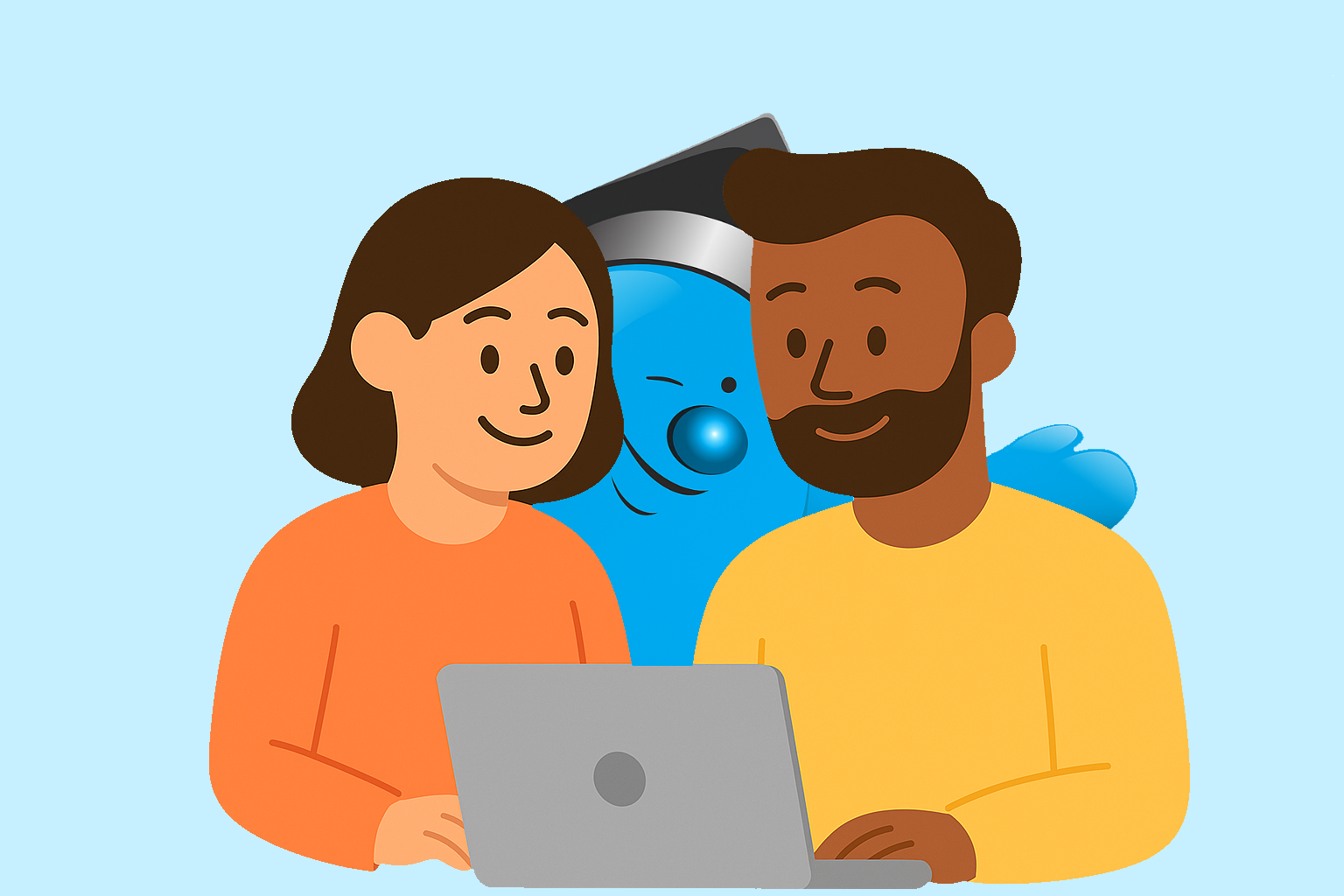
Parents who want to feel confident guiding their children through the AI age - even if they don’t feel “tech-savvy”.
If you’ve heard about ChatGPT but aren’t sure where to start, this course is for you. Whether you want to save time on family organisation, support your child’s learning safely, or simply understand the technology shaping their future, this course will help you build calm, practical confidence step by step.

What’s unique about this course?
It’s designed for parents, not programmers or businesses. It helps you learn ChatGPT through tasks relevant to your role as a parent.
You’ll learn how to use ChatGPT in real family life - to plan routines, spark curiosity, prepare for school meetings, or reflect on parenting challenges - all in plain, reassuring language. Each lesson connects AI skills with everyday parenting goals, so what you learn feels relevant, safe, and instantly useful.
Why this course?
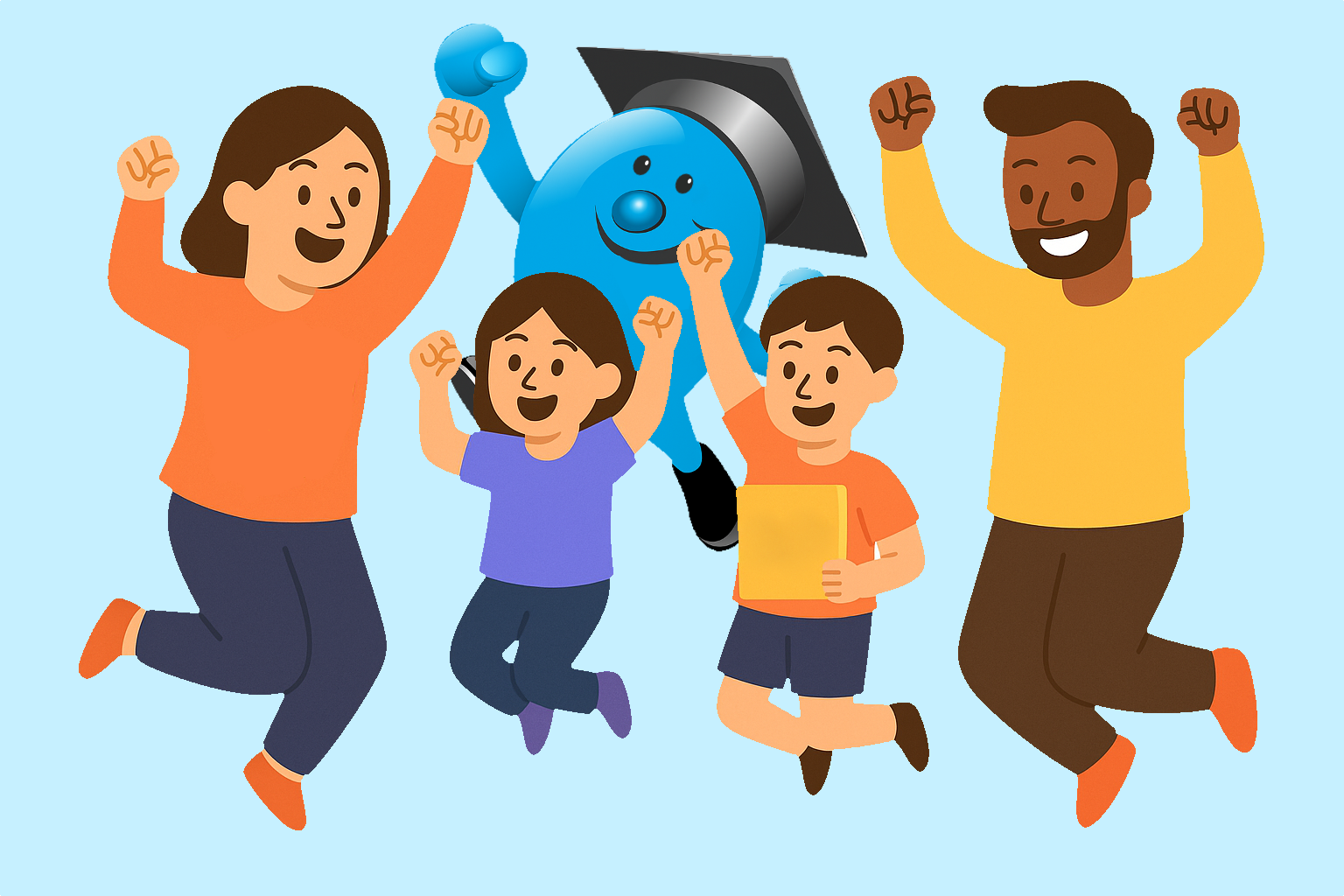
Because the world is changing and your family deserves to be well placed to enjoy the benefits.
AI is already part of how our children will learn, create, and solve problems. By understanding how to guide ChatGPT safely and confidently, you’re not just keeping up with technology - you’re teaching your child how to think, question, and use it wisely.
Core Modules
- Course overview and objectives
- Understanding ChatGPT - What it can and can't do
- From Confused to Confident: How to Ask ChatGPT the Right Way
- Create a ChatGPT that knows your family
- Organizing Family Life with ChatGPT
- Structuring your Prompts for Clearer, Smarter Responses
- Be Your Child's AI Literacy Guide
FAQs
Do I need a technical background?
No. This course is designed for beginners and uses clear, simple language to explain AI concepts and how to relate them to children.
How long will I have access to the content?
You have access for the duration of your subscription and can revisit modules anytime. Cancel from your account page whenever you like.
How long does the course take?
Most learners finish in under two hours. If you use the audio resources, it takes longer. Progress is saved between sessions.