

Practical AI guidance for parents
Learn how to use AI at home to support learning and creativity, set healthy limits, and make thoughtful choices without needing to be a tech expert.
3-day free trial, then £14.99/month. Cancel anytime.
What you'll learn
-
Understand what AI is and how it works, explained in simple parent-friendly terms you can share with your child.
-
Learn how to assess AI-powered apps, tools, and websites for safety, reliability, and learning value.
-
Use practical, age-appropriate ways to use AI at home to support curiosity, creativity, and learning.
-
Build confidence in guiding your child’s AI use and helping them develop healthy, responsible digital habits.
About the Course
Who is this course for?
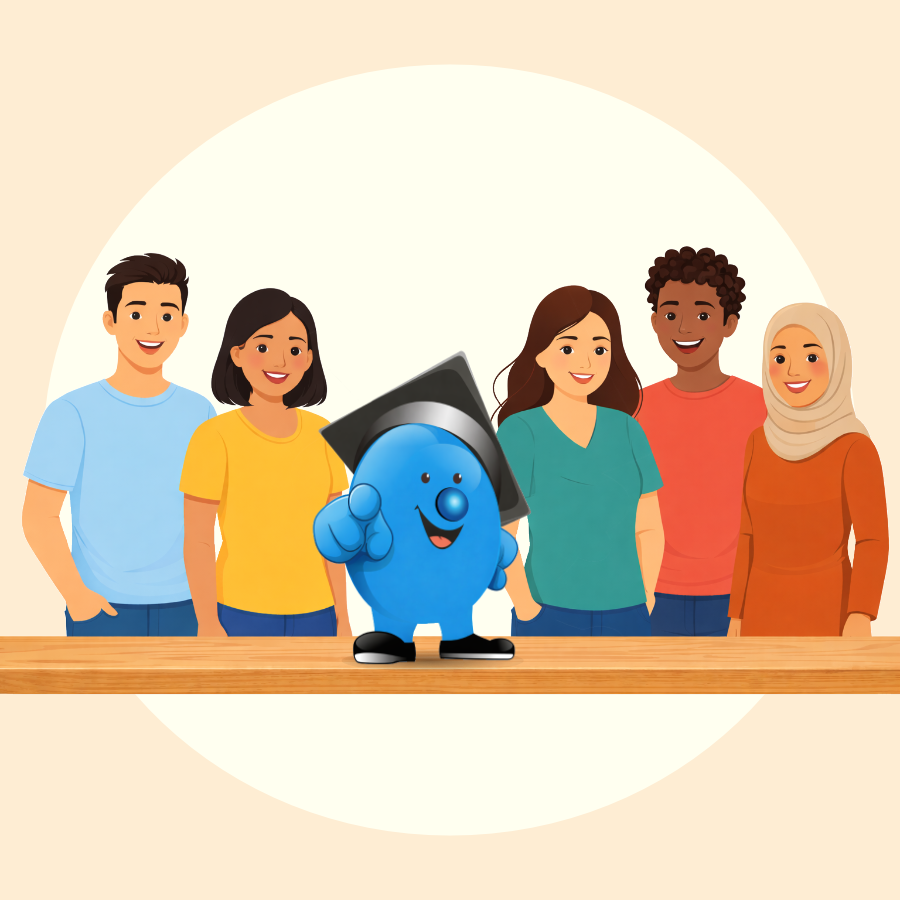
Parents and home educators who want a clear, calm way to understand AI.
Ideal for families with children aged 5–11 who are starting to see AI show up in schoolwork, apps, and everyday life. You don’t need a technical background, just curiosity and a desire to guide your child with confidence.
Why do I need this course?
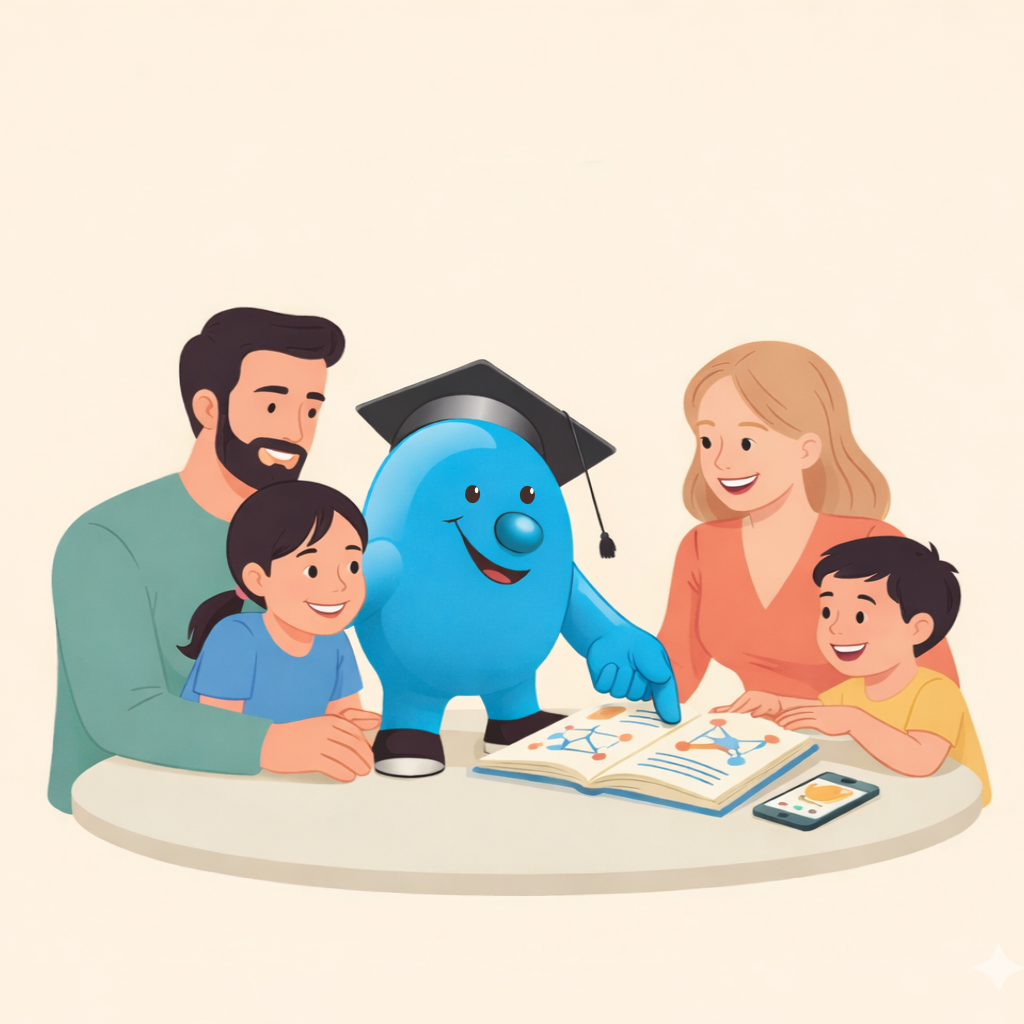
Because AI is already in your child’s world and they’ll have questions.
This course helps you explain AI in everyday language, spot unsafe or low-quality AI tools, and use AI in ways that support learning rather than replace thinking.

What’s unique about this course?
Parent-ready guidance, not tech jargon.
You’ll get simple explanations, real home examples, and practical checks you can reuse to evaluate AI apps and websites. It’s built to help you feel confident even if you’re completely new to AI.
Course Modules
5 chapters + introduction
Introduction: Course Overview
- Course overview and objectives
Chapter 1: What is AI
- AI Tools you need to know
- The current capabilities of AI Tools
- Important AI terminology [Free Cheatsheet]
- AI’s impact across industries
Chapter 2: Chatbots
- Building your first chatbot
- Understanding prompts and training data
- Chatbot ethics and privacy
Chapter 3: Design
- Using AI for visual creativity
- Designing responsibly with AI tools
Chapter 4: Productivity
- Using AI tools to automate repetitive work
- AI-powered productivity apps overview
Chapter 5: Automation
- AI automation workflows
- How to use AI assistants in daily tasks
- Ethical considerations of automation
FAQs
Do I need a technical background?
No. This course is designed for beginners and uses clear, simple language to explain AI concepts and how to relate them to children.
How long will I have access to the content?
You have access for the duration of your subscription and can revisit modules anytime. Cancel from your account page whenever you like.
How long does the course take?
Most learners finish in under two hours. Lessons are short, and progress is saved between sessions.