What your child will learn
Your child will learn that different AI answers need different levels of checking.
Some suggestions only need a quick look. Facts need a trusted source. Advice about health, safety or serious problems needs help from a person.
Time needed
10 to 15 minutes.
What you need
Write these three headings on separate pieces of paper:
Think
Check whether the suggestion makes sense and whether you like it.
Check
Use a trusted source or ask someone who knows the subject.
Ask
Stop and speak to a trusted adult before doing anything.
Before you begin
The scenarios are examples for you and your child to discuss. Your child will not use an AI tool during the activity.
Explain:
“AI can give many kinds of answers. We do not need to check every answer in the same way. We need to think about what could happen if it is wrong.”
Remind your child that your family rules about AI still apply. This activity prepares them for approved child-facing tools, AI you use together and AI they may meet unexpectedly.
Activity for ages 7 to 9
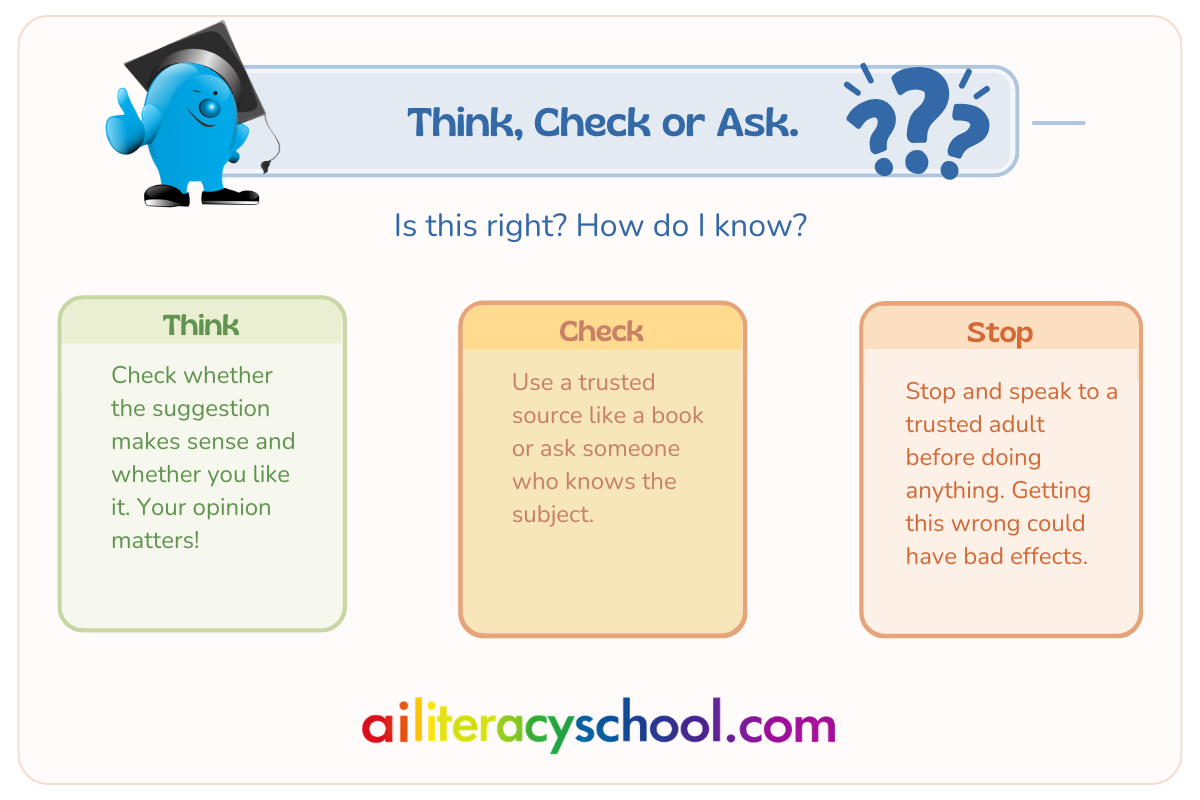
Step 1: Explain the three choices
Say:
“For each example, we will decide whether we should Think, Check or Ask.”
Explain each choice:
- Think: We can decide whether we like the idea.
- Check: We need to find out whether the information is right.
- Ask: We need help from a trusted adult.
Step 2: Discuss the scenarios
Read each scenario aloud. Ask your child to choose Think, Check or Ask.
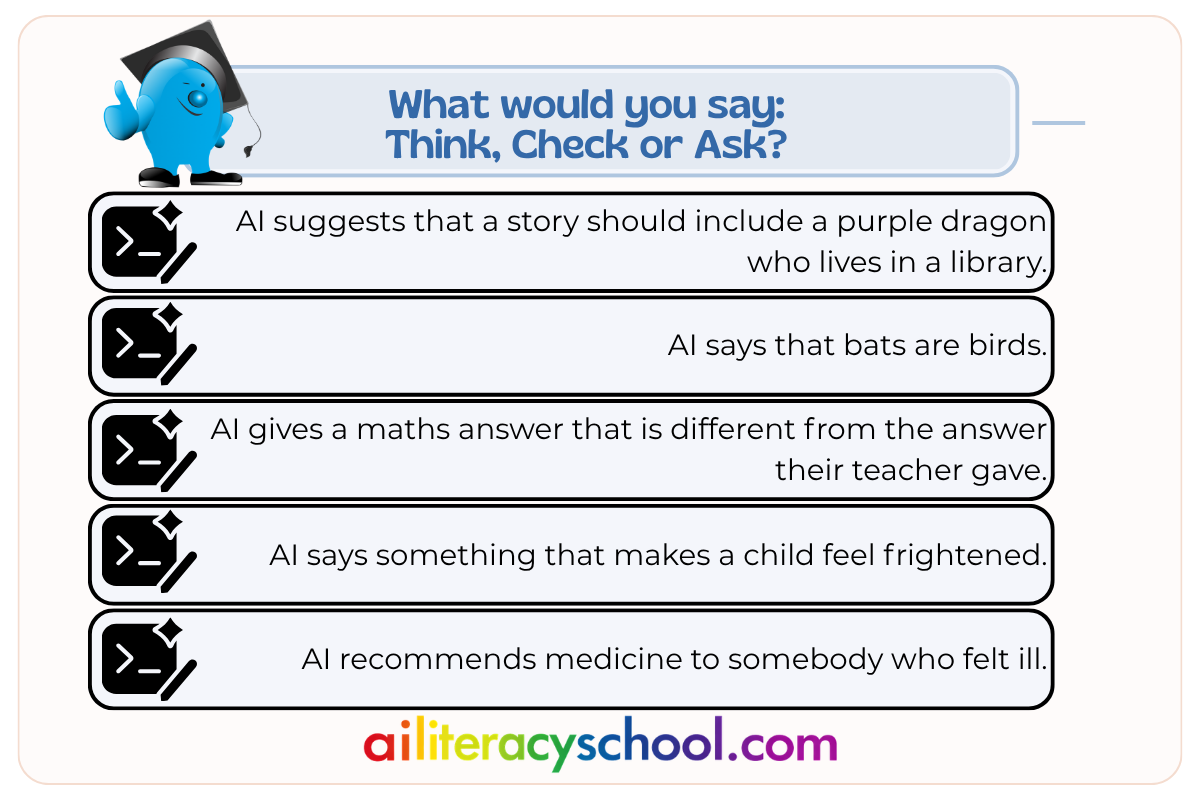
Scenario 1: A story idea
An AI tool suggests that a story should include a purple dragon who lives in a library.
Suggested choice: Think
Ask:
- Do you like the idea?
- Does it fit your story?
- What would you change?
Explain:
“This is a creative suggestion. You can decide whether it is useful.”
Scenario 2: An animal fact
An AI tool says that bats are birds.
Suggested choice: Check
Ask:
- Where could we check this?
- Could we use a book or a trusted website?
- Should we use the fact before checking?
Explain:
“This is a fact. We need another source to see whether it is right.”
Scenario 3: A homework answer
AI gives a maths answer that is different from the answer their teacher gave.
Suggested choice: Check
Ask:
- Could we work through the sum again?
- Could we check a schoolbook?
- Who could help if we are still unsure?
Explain:
“The answer may be right or wrong. We need to check the method.”
Scenario 4: An upsetting message
AI says something that makes a child feel frightened.
Suggested choice: Ask
Ask:
- What should you do with the device?
- Who should you tell?
- Would you be in trouble for asking for help?
Explain:
“Stop using the tool and tell a trusted adult.”
Scenario 5: Advice about feeling unwell
AI recommends medicine to somebody who felt ill.
Suggested choice: Ask
Ask:
- Should a child follow this advice?
- Who should they speak to?
- Why does this need a person?
Explain:
“Health decisions need help from a trusted adult and, when needed, a health professional.”
Step 3: Use the deciding question
After each scenario, ask:
“What could happen if this answer is wrong?”
Help your child notice:
- A poor story idea has little effect.
- A wrong homework fact may affect their learning.
- Wrong health or safety advice could cause harm.
One idea to remember
End with:
Ideas need thinking. Facts need checking. Safety needs an adult.
Activity for ages 10 to 12
Step 1: Introduce the decision
Explain:
“The amount of checking depends on what the answer will be used for and what could happen if it is wrong.”
For each scenario, ask:
- What type of answer is this?
- What could happen if it is wrong?
- Does it need Think, Check or Ask?
- What should happen next?
Step 2: Discuss the scenarios
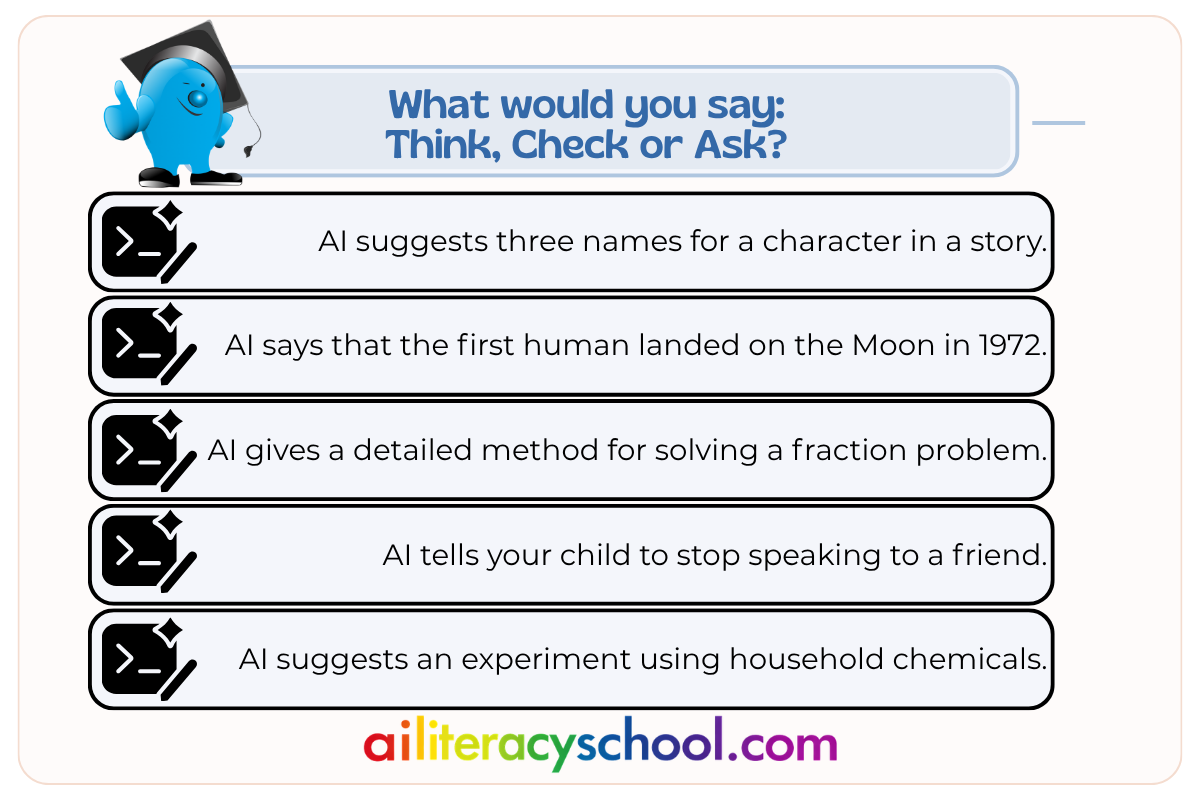
Scenario 1: Choosing a character name
AI suggests three names for a character in a story.
Suggested choice: Think
The names do not need fact-checking. Your child can decide which name fits the story.
Scenario 2: A fact for homework
AI says that the first human landed on the Moon in 1972.
Suggested choice: Check
Your child should check the date in class notes, a schoolbook or a reliable educational source before using it.
Scenario 3: Explaining a maths method
AI gives a detailed method for solving a fraction problem.
Suggested choice: Check
Your child should work through the steps and compare them with the method taught in class.
A detailed explanation can still contain an early mistake.
Scenario 4: Advice about a friendship problem
AI tells your child to stop speaking to a friend.
Suggested choice: Ask
The AI does not know the full situation. Your child should speak to you or another trusted person before acting on the advice.
Scenario 5: A science project idea
AI suggests an experiment using household chemicals.
Suggested choice: Ask
An adult needs to check whether the materials and steps are safe before the activity begins.
Step 3: Add a fourth scenario
Ask your child to think of another situation where they might meet an AI answer.
This could involve:
- Schoolwork
- A game
- A video
- A learning app
- A message from a friend
- An AI feature inside another service
Ask them:
- What could the AI get wrong?
- What could happen next?
- Would you Think, Check or Ask?
- Which person or source could help?
Talk about it
Choose three or four questions:
- Why do some answers need more checking than others?
- What could happen if a homework fact is wrong?
- Which answers should always involve a trusted adult?
- Can one scenario need both thinking and checking?
- Why should safety advice be treated differently from a story idea?
- Who can help you check different kinds of information?
One family rule to keep
Choose a sentence together:
The bigger the effect of a mistake, the more carefully we check.
For younger children, use:
Ideas need thinking. Facts need checking. Safety needs an adult.
Customise this activity with AI
Use your own account and check every scenario before sharing it with your child. Your child should not use a general-purpose chatbot independently.
Prompt
Role
You are helping me teach my child how to decide how much checking an AI answer needs.
Instruction
Create a short, parent-led scenario activity using these three choices:
Think: The answer is a creative idea or personal preference. The child can consider whether it is useful.
Check: The answer contains a fact, explanation or schoolwork information that should be checked with a trusted source.
Ask: The answer involves health, safety, money, private information, upsetting content or a serious personal decision. The child should stop and speak to a trusted adult.
Some scenarios may need two steps, such as Think and Check.
For each scenario, help the child consider what could happen if the answer is wrong. The child will discuss the scenarios with me and will not use an AI tool.
Context
My child is in the [7–9 / 10–12] age band and is interested in [general interest]. We have [number] minutes.
Use plain language with a reading age of 12 or below. Keep the scenarios calm, fictional and suitable for the child’s age.
Do not use real names, schools, locations or private information. Do not include detailed medical, dangerous or frightening content.
Output
Give me:
[Choose one]
- Eight short scenarios
- The suggested choice for each: Think, Check or Ask
- A one-sentence reason for each choice
- One question about what could happen if the answer were wrong
- A suitable next step for each scenario
- Three discussion questions
- One family rule my child can remember
Suggested follow-up prompt
My child found it difficult to decide between [Think and Check / Check and Ask]. Create four pairs of scenarios that show the difference clearly. Explain the detail that changes the correct choice. Keep the activity under ten minutes.