📑 In this guide
Start with our AI Confidence Quiz
AI is already part of your child’s learning. In just a couple of minutes, discover where your family stands and what to do next.
- ✓ Your family’s AI Confidence Score
- ✓ What you’re already doing well
- ✓ Simple, practical next steps
Can AI Help You Make Better Christmas Shopping Decisions?
Learn how to use an AI chatbot to compare Christmas gifts, find products that suit your family and make more informed shopping decisions.
AI can help you make better Christmas shopping decisions by finding and comparing gifts that match your budget, your children's interests and your family's needs.
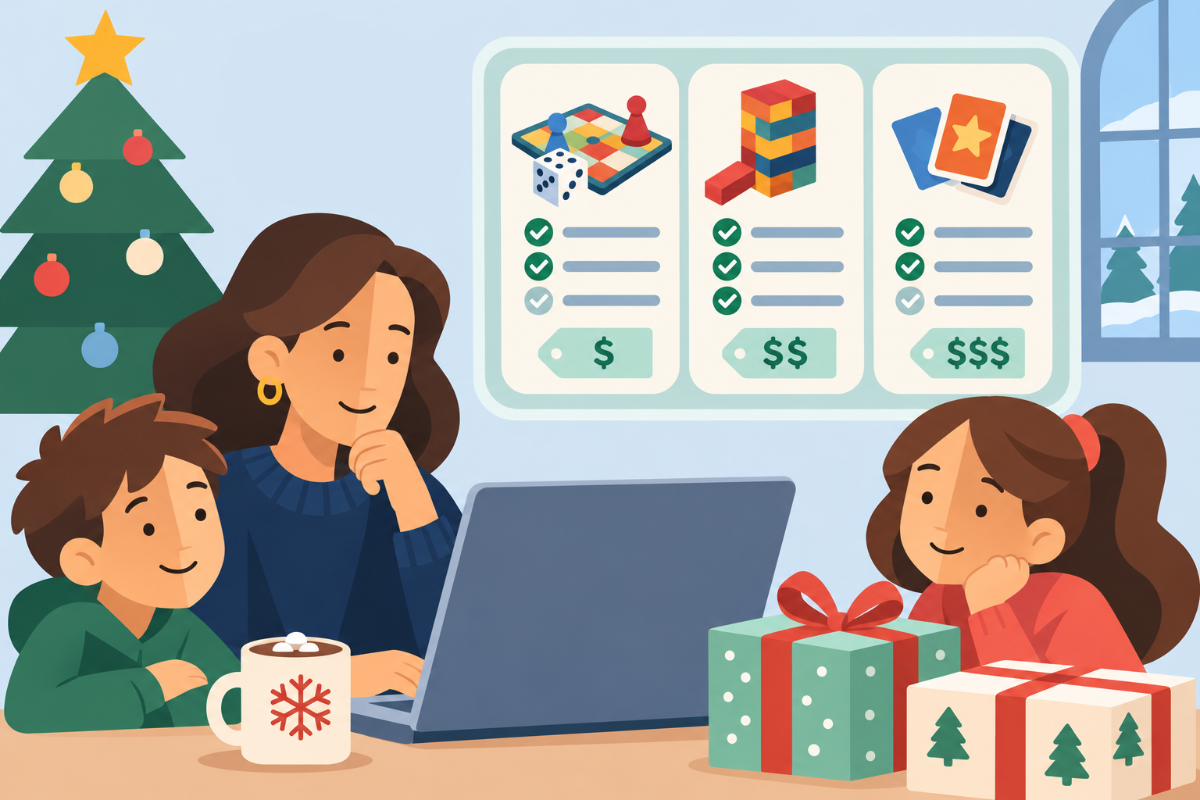
Most online stores let you filter products by price, brand or age. But what if you're looking for a Christmas gift that two children can enjoy together, takes less than 30 minutes to play and doesn't require an app or subscription?
An AI chatbot can consider all these requirements together. With a compatible browser extension, you can even use AI alongside a shopping website to compare products, ask questions and narrow down your choices.
In this guide, we'll show you how to use AI for Christmas shopping, with simple prompts you can try yourself. You'll also learn how to check its recommendations before buying.
How Can AI Help You Choose Christmas Gifts?
AI shopping assistants can help you find and compare Christmas gifts based on detailed requirements that ordinary website filters may not offer.
Rather than searching through dozens of products yourself, you can tell a chatbot exactly what you're looking for. It can help identify suitable options, explain the differences and suggest which products best match your needs.
You can also ask follow-up questions, change your requirements or explore alternatives without starting your search again.
Let's look at how this works.
Step 1: Tell AI What You're Looking For
Imagine you're buying a Christmas gift for two children, aged 7 and 10. You want a game they can enjoy together, but you don't want to spend more than $45.
Start by visiting an online retailer you trust.
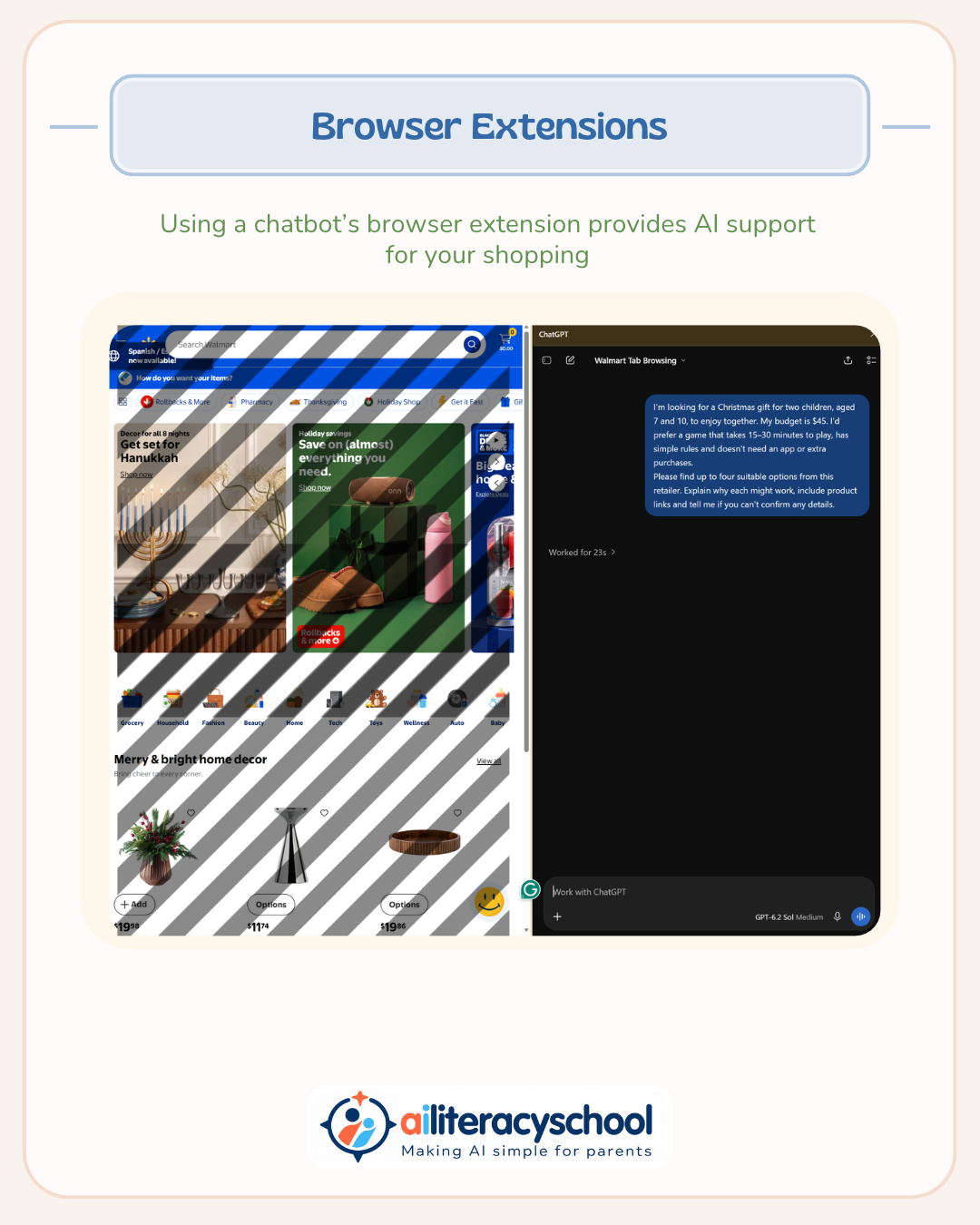
If you have a compatible AI browser extension, such as ChatGPT's, you may be able to open the chatbot alongside the shopping website and let it use the page you're viewing. You may need to give it permission first.
If you don't have an extension, you can still use a chatbot with web search or provide links to products you're interested in.
Try this prompt:
I'm looking for a Christmas gift for two children, aged 7 and 10, to enjoy together. My budget is $45. I'd prefer a game that takes 15–30 minutes to play, has simple rules and doesn't need an app or extra purchases.
Please find up to four suitable options from this retailer. Explain why each might work, include product links and tell me if you can't confirm any details.
Notice how much more information you've given than simply selecting "Games" and "Under $50" from a store's filters.
You've explained what the gift needs to do, who it's for and which features you want to avoid.
The chatbot can use these details to help identify suitable products. It may not be able to access every listing or confirm every detail, but it can help you narrow down the search.
Step 2: Ask AI to Compare the Options
Once you have a shortlist, you can ask the chatbot to compare the products.
Try this follow-up prompt:
Compare these games in a table. Include price, recommended age, playing time, how much reading is needed and whether anything extra must be purchased. Show where you found the information and mark anything you couldn't verify.
This can be particularly helpful when products look similar but have differences that aren't obvious from the pictures or descriptions.
For example, one game might fit your budget but take an hour to play. Another might be advertised for children aged 7 and up but involve complicated rules.
A comparison table makes it easier to see which products meet your requirements and where you might need to compromise.
You can also ask AI to explain unfamiliar features or highlight anything you may have overlooked.
Step 3: Refine Your Choices
Perhaps the shortlist helped you realise that simple rules are more important than you first thought.
You don't need to start your search again. You can explain what you've learned and ask AI to reconsider.
Try this follow-up prompt:
I think shorter games with less reading would be better. Please reconsider the options and recommend your best two choices. Explain any disadvantages.
This is one of the biggest advantages of shopping with a chatbot. You can keep refining your requirements through conversation, including details that ordinary shopping filters often overlook.
For example, you might decide that a game needs to be easy to pack for family visits, suitable for just two players or quick enough to finish before dinner.
AI can also help you think about the trade-offs. Perhaps the cheapest game requires additional purchases, or the one with the best reviews is less suitable for younger players.
You remain in control of which requirements are most important.
Step 4: Check Before You Buy
AI can make mistakes. It might give you an outdated price, misunderstand a product description or recommend something that isn't available.
Before buying, ask:
Try this final prompt:
What should I double-check before purchasing your recommended game? Are there any details you couldn't confirm from the retailer's website?
Then visit the product page yourself.
Check the age guidance, price, delivery costs, availability and return conditions. Reviews from other buyers can also help, although they aren't always reliable.
Remember that AI shopping recommendations may use information from retailers, sellers and promotional sources. A chatbot's recommendation isn't a guarantee that a product is the best choice.
Can You Use AI for Other Shopping Decisions?
Absolutely. The same approach can help with many everyday purchases, especially when you have requirements that are difficult to search for using ordinary filters.
For example:
- Kitchen appliances: Find appliances that fit within your space, including the extra room needed for safe use.
- Headphones: Compare models that fit comfortably, work with an existing device and meet your budget.
- Bicycles: Find suitable options based on a child's height, experience and the type of riding they will do.
- Family board games: Look for games that suit different ages, have simple rules and don't take too long to play.
You can even ask AI to explain unfamiliar product features before deciding whether you need them.
The more useful information you provide about your requirements, the better the chatbot can help you narrow down your choices.
An AI Literacy Lesson to Share With Your Child
Shopping with AI also provides an opportunity to explain how recommendations work.
You could show your child a shortlist you've created and explain:
"We told AI what we were looking for, and it helped us compare some choices. But AI can make mistakes, and it doesn't know everything about us. We still need to decide what's best."
Ask your child what they would want to know before choosing between two presents.
Which features would they consider most important? Would they automatically choose the most expensive option? What if the cheaper product was better suited to their needs?
This helps children understand that AI can support our decisions, while we remain responsible for making them.
If you involve your child in using a general-purpose chatbot, do so together, directly supervising the activity through your own account.
Keep Yourself in Control
In last week's Christmas AI guide, we explored how online shopping systems can use information about us to influence what we see.
Using an AI shopping assistant gives you an opportunity to take a more active role in choosing products. You can explain your needs, question the recommendations and challenge the results.
However, chatbots also process the information you share. Keep children's personal details private, check what information any browser extension can access and only provide what's needed for the task.
AI can help you make more informed shopping decisions, but the final choice should always be yours.
This Christmas, try using AI to help with a purchase that has several requirements. You may find that asking better questions helps you make a better choice.
Share this guide with other parents
Know a parent who would find this guide helpful? Enter their email address and we'll send them the Parent Conversation Guide directly.