📑 In this guide
Start with our AI Confidence Quiz
AI is already part of your child’s learning. In just a couple of minutes, discover where your family stands and what to do next.
- ✓ Your family’s AI Confidence Score
- ✓ What you’re already doing well
- ✓ Simple, practical next steps
AI can help you find Christmas presents by suggesting toys and gifts based on your interests. But those same systems can use personal information to predict what might persuade you to buy. Searches, shopping visits and watched videos can all provide clues.
For parents, understanding this helps with two things: protecting your family’s information and teaching children to recognise when someone is trying to sell them something.
How do AI gift recommendations work?
Many websites and apps use AI to predict what you might like. They can learn from things you search for, click on, watch or buy.
Some companies combine these clues with information from other services. This helps them build a profile: a set of guesses about your interests and habits. What they collect and connect depends on the service and your settings.
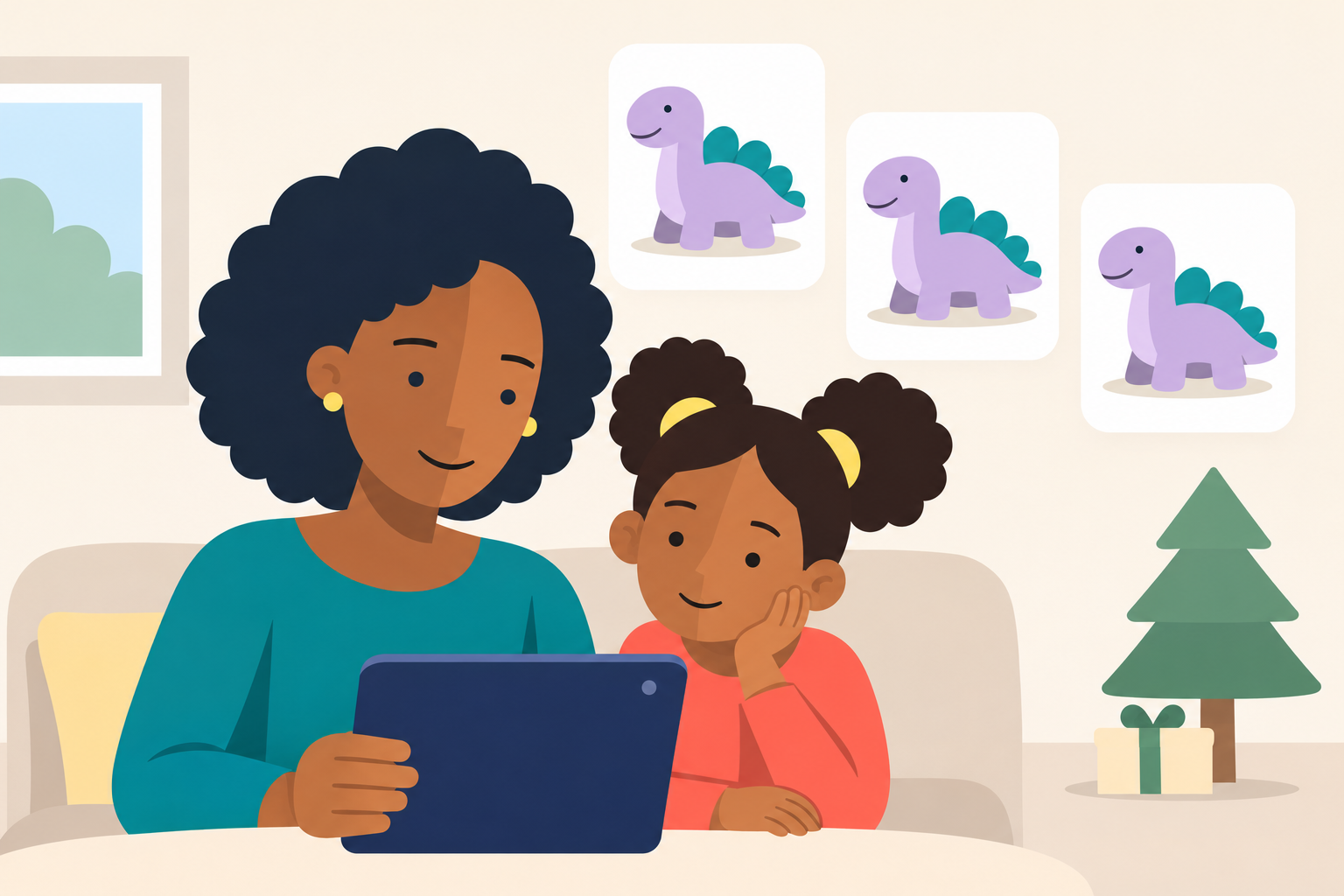
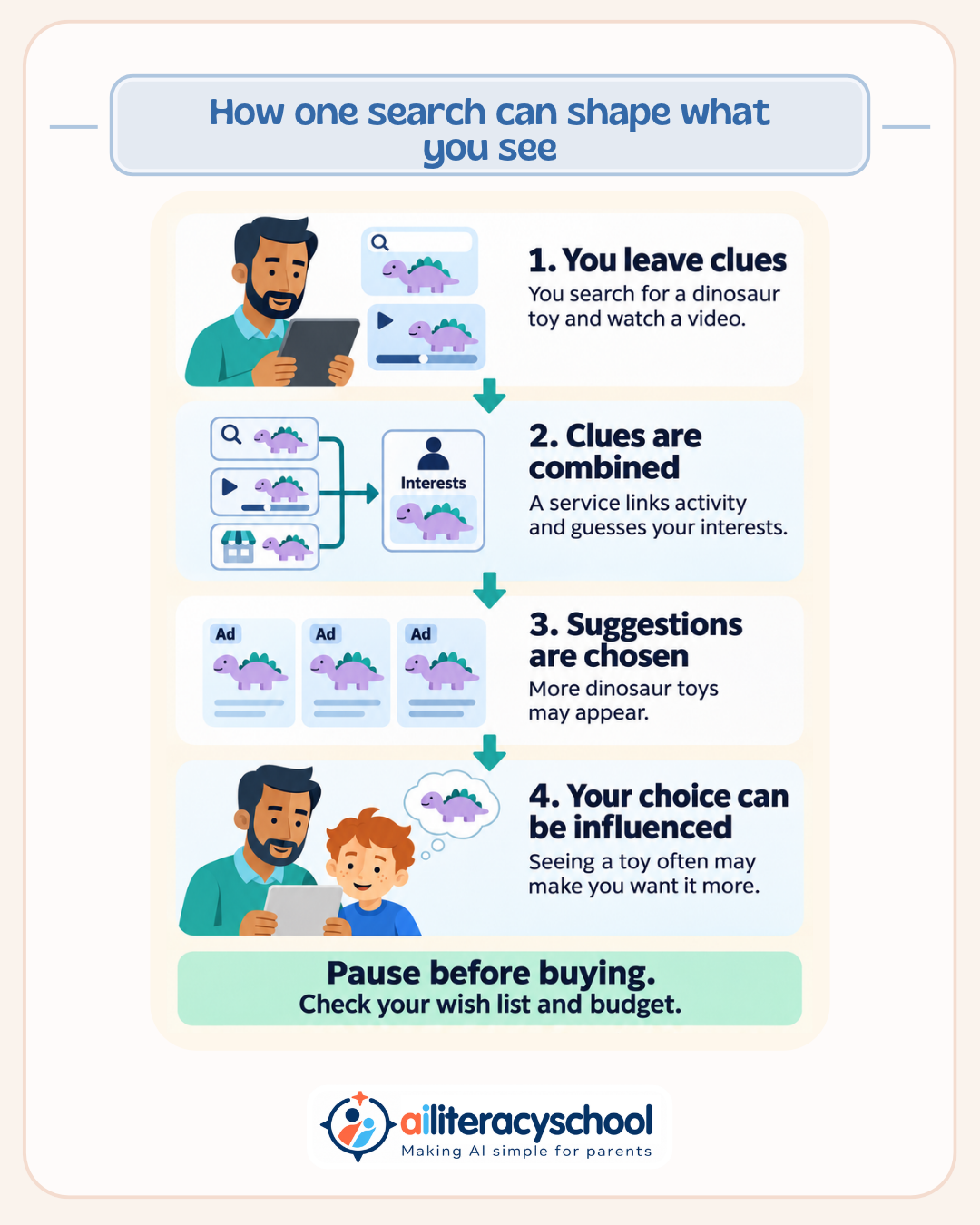
Imagine you search for “Christmas presents for a five-year-old”, watch dinosaur toy videos and visit a shop selling a dinosaur play set.
Together, these clues could suggest that you are buying a dinosaur present for a young child. You have never filled in a form saying that, but your activity has helped tell the story.
Why can sharing personal information be a problem?
Personal details can make recommendations more useful. They can also give companies more clues about how to influence you.
A service that knows your child’s age and favourite characters can choose products likely to catch your attention. Information about what you click on can help it predict which messages you might respond to.
You may share each detail for a simple reason: to get gift ideas, enter a competition or receive a discount. Combined, those details can reveal more about your family than you expected.
This does not mean every recommendation is harmful. It means you should consider what information you are giving away and what the company might gain from using it.
Why do toy adverts keep appearing after a search?
Looking at a toy can lead to adverts for it later. This is sometimes called retargeting: showing adverts to someone who has already shown an interest.
Here are some examples your family may recognise:
- You look at a toy but leave without buying. An advert for it appears on another website, reminding you about it.
- Your child watches a toy video with you. The service suggests more videos featuring similar toys.
- You buy a craft kit. The shop later sends recommendations for related supplies or gifts.
- You complete a gift quiz. The service uses your answers to suggest presents. Depending on its privacy terms, it may also use or share those details for marketing.
A recommendation is a suggestion chosen for you. An advert is a paid message. They can appear together, so look for labels such as “Ad” or “Sponsored”.
Repeated suggestions can make a toy feel familiar and exciting. A child may begin to think that everyone has it because they keep seeing it.
Does mentioning a toy make your phone show adverts for it?
Seeing an advert after mentioning a toy does not prove that your phone recorded your conversation.
Earlier searches, shopping visits or a Christmas advertising campaign could explain it. You may also notice the adverts more once the toy is on your mind.
Speaking a request into a voice assistant is different. You are giving information to a service through your voice. How that request is stored or used depends on the service and its settings.
You can explain this to a child by saying:
“We noticed that advert after talking about the toy. We don’t know why it appeared. Looking at toys online can also give websites clues about what to show us.”
How can you explain personalised advertising to a young child?
Start with something your child has seen:
“When we look at toys online, the website may remember what we looked at. It can use those clues to guess what else to show us. Sometimes a toy company pays for an advert because it wants us to buy its toy.”
Then explain how repetition can affect a choice:
“Seeing the same toy lots of times can make us want it more. We can put it on our wish list and think about it before choosing.”
For younger children, keep it shorter:
“This is an advert. The toy company wants us to buy its toy. We can take time to decide.”
Avoid making children feel foolish for liking an advert. Adults are influenced by advertising too.
What signs can children learn to spot?
Look at a page or video together and point out these clues:
| What you notice | What you can explain |
|---|---|
| “Ad”, “Sponsored” or “Paid partnership” | Someone has paid for this message or promotion. |
| “Picked for you” or “You may also like” | A system has chosen these suggestions using clues. |
| The same toy appearing repeatedly | Seeing it often can make us think about it more. |
| A countdown or “Only a few left” message | This can make us feel we need to decide quickly. |
These signs do not all mean personal information was used. A countdown, for example, can be shown to everyone. They are useful prompts to pause and think.
Ask your child: “What does this page want us to do?”
They might notice that it wants them to buy something, watch another video or click a link.
Try together: make a wish list before browsing
Before looking at gift suggestions, ask your child what they enjoy doing. It might be drawing, building, making music or playing outside.
Make a short wish list on paper. When a toy catches their eye later, ask:
- “Does this fit something you enjoy?”
- “What would you like to do with it?”
- “Would you still want it if we stopped seeing adverts for it?”
Add the toy to the list and return to it another day. You can practise with an advert you already have; there is no need to search for extra adverts.
How can parents share fewer personal details?
When asking an AI tool for gift ideas, give it only the information needed for the task.
For example:
“Suggest Christmas presents under £20 for a child aged five who enjoys building.”
There is usually no need to include your child’s name, school, photograph or exact birthday. Check how a service uses information before sharing sensitive details.
You can also:
- Reject optional advertising cookies where that choice is offered.
- Review personalised advertising and tracking settings on family devices.
- Use suitable child accounts and check their privacy settings.
- Check what a gift quiz, competition or shopping app asks for before completing it.
These steps can reduce some data collection and use. They will not remove every advert or stop all tracking. Private browsing does not make your activity invisible to websites either.
Children need adult support to recognise advertising. Companies also have a responsibility to protect children’s information.
When choosing presents, return to your family’s interests, budget and wish list. AI suggestions can offer ideas, while a pause gives you time to decide whether those ideas suit your child.
Share this guide with other parents
Know a parent who would find this guide helpful? Enter their email address and we'll send them the Parent Conversation Guide directly.