📑 In this guide
Start with our AI Confidence Quiz
AI is already part of your child’s learning. In just a couple of minutes, discover where your family stands and what to do next.
- ✓ Your family’s AI Confidence Score
- ✓ What you’re already doing well
- ✓ Simple, practical next steps
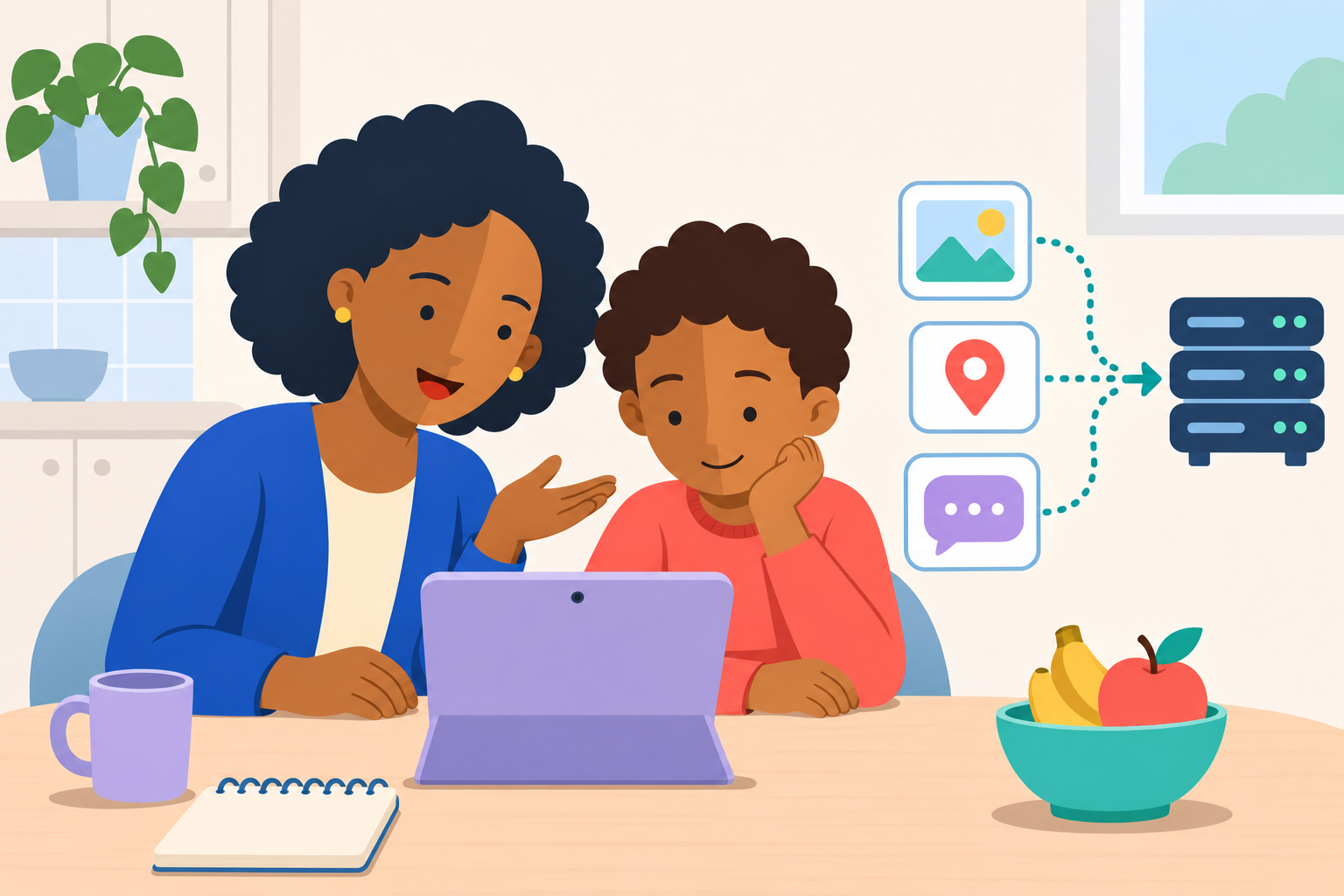
To explain AI privacy to your child, start with a familiar idea: some things are theirs to choose who to tell. An AI app is run by a company, and what they send may be kept or used after the chat ends.
Your child may know not to share a password and still ask, “Why does it matter if an AI company sees my data?” Give them a reason they can understand, then practise choosing what a task actually needs.
A short conversation gives them a chance to practise. You can use made-up examples at the kitchen table, on a walk or after watching the supporting conversation video. No AI app or account is needed.
For the background on storage, training and choosing a service, read our guide to AI privacy risks for children.
How can I explain privacy simply?
Try saying:
“Privacy means having some choice about who knows things about you and how they use them. When we send something to an AI app, the company running it handles that information. We need to think about what it needs to know.”
Use an everyday example. Your child's school needs an address to contact you. A tool suggesting a story idea can work without knowing where your family lives.
Ask: “If an app helped you invent a dragon story, what would it need to know?”
They might suggest the dragon's colour, a setting or whether the story should be funny. Then ask whether it needs their real name or school. Let them explain their answer.
What if my child asks why companies seeing their data is a problem?
Take the question seriously. “Because it is private” may not explain enough. Try saying:
“A company might keep what you tell it after you have forgotten the chat. Depending on the app, it might use that information to choose what to show you or let other people check the conversation. If the information gets into the wrong hands, someone could learn things you wanted to keep private. We check what happens to it before we share.”
Bring it back to an example:
“Imagine you had an argument with a friend and told an app all about it. A week later, you have made up. Would you still want that company to keep the whole conversation, including your friend's name?”
Let them disagree or ask more. Explain that they might be comfortable sharing something now and feel differently later. Their friend's feelings count too.
If they say, “I have nothing to hide,” you could answer:
“You can have done nothing wrong and still want a conversation to stay between certain people. You get some choice about who you tell. We want to understand how an app will use it so you can make that choice.”
Avoid making every detail sound dangerous. A made-up dragon's favourite food is different from a home address. Ask which one helps with the story and which one could tell someone where they live.
Why might an AI chat feel private?
Ask: “If a chatbot sounds kind and remembers things you told it, would it feel easy to talk to?”
Listen to their answer. You can explain:
“It can sound friendly, but it is still a service run by a company. A kind reply does not tell us who can see a chat or how it will be used.”
Avoid asking your child to describe a private worry as part of this activity. Use an invented example, such as a character who has fallen out with a friend. Remind them which trusted people they can talk to about their own worries.
Try together for ten minutes
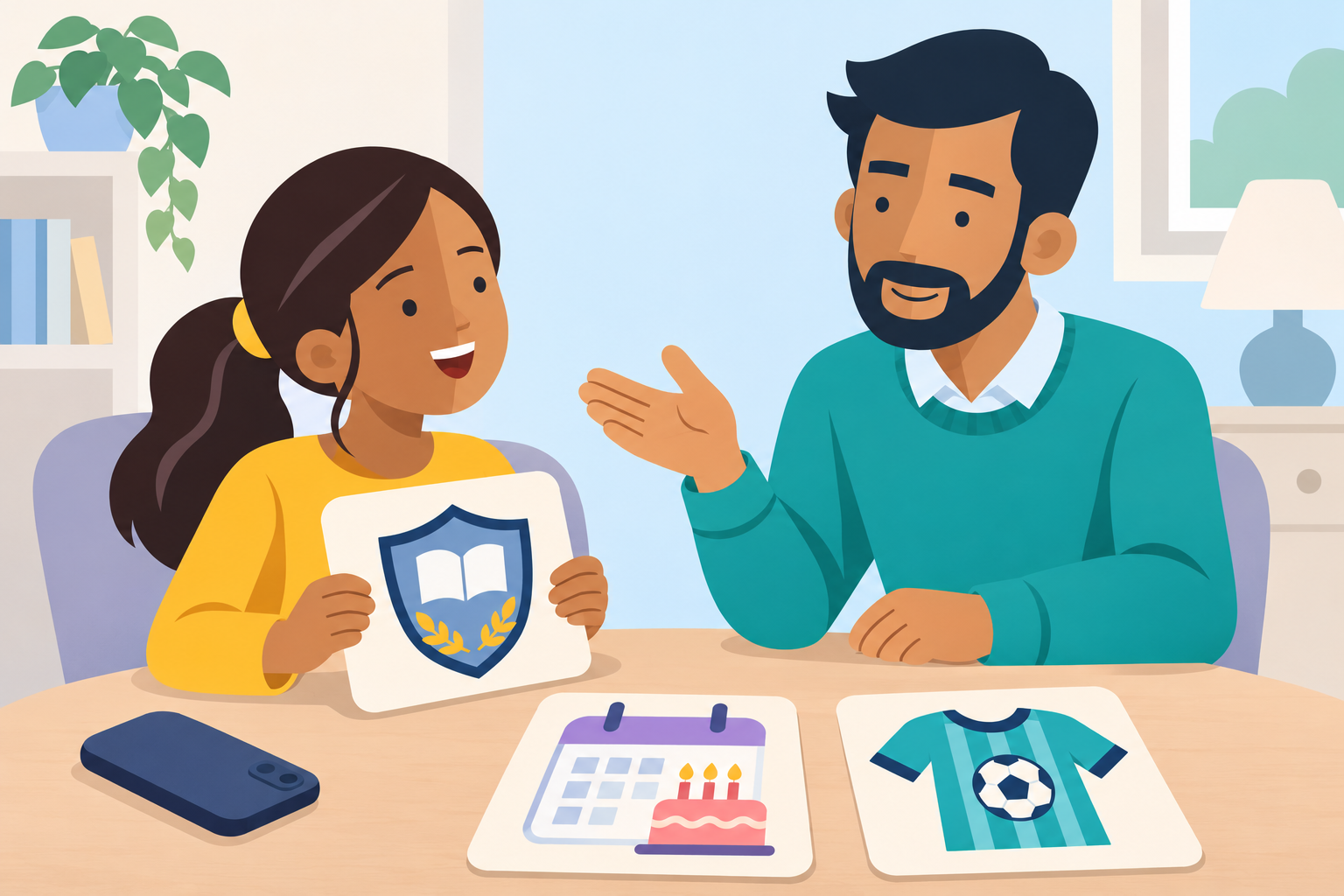
You need a few scraps of paper and a pen. Explain that every detail in the game is invented.
Write these on separate pieces of paper:
- Likes stories about space.
- Wants an explanation for a primary school child.
- Full name and home address.
- School name and football training time.
- A friend's private message.
- A photo showing a school badge.
Imagine that a child wants an AI tool to suggest a space story. Put each piece of paper in one of two groups: helps with this task or leave out. Keep a space for unsure so your child can ask questions.
Discuss their choices. A favourite story theme helps. An address adds nothing useful. A friend's message belongs to someone else, and a photo can reveal details without any typing.
If your child puts an item somewhere unexpected, ask how they decided. Explain your own thinking too.
Show how clues work together
Pick up the school and football card. Ask:
“Could someone learn more from these clues together than from just one?”
Explain that several details can narrow down who someone is or where they will be. The same question helps with online posts and photos.
Then turn the photo card over and draw a simple shirt with a badge. Ask your child to suggest other things a real photo might show, such as a name label or a street sign. Keep the drawing invented; there is no need to find or upload a personal picture.
Practise asking with fewer details
Read this made-up request:
“My name is Alex. I go to Oak Lane School and train with Riverside Juniors on Tuesdays. Write a funny football story about me.”
Ask your child to rewrite it while keeping the information that helps. One version is:
“Write a funny football story for a primary school child. Use made-up names and places.”
Explain that changing a name does not hide every clue if the rest of a story still identifies someone. The aim is to remove personal details the task does not need.
For an older child, try a harder example: asking for advice about a disagreement. What can be described in general terms? Which details about a friend should stay out?
Agree what to do when they are unsure
Choose a family rule your child can remember:
“Before sharing personal details, photos or someone else's information with AI, we will check with a trusted adult.”
Name who that could be. Include someone they can approach at school if you are unavailable. Check age rules before using any service; this conversation does not require your child to try one.
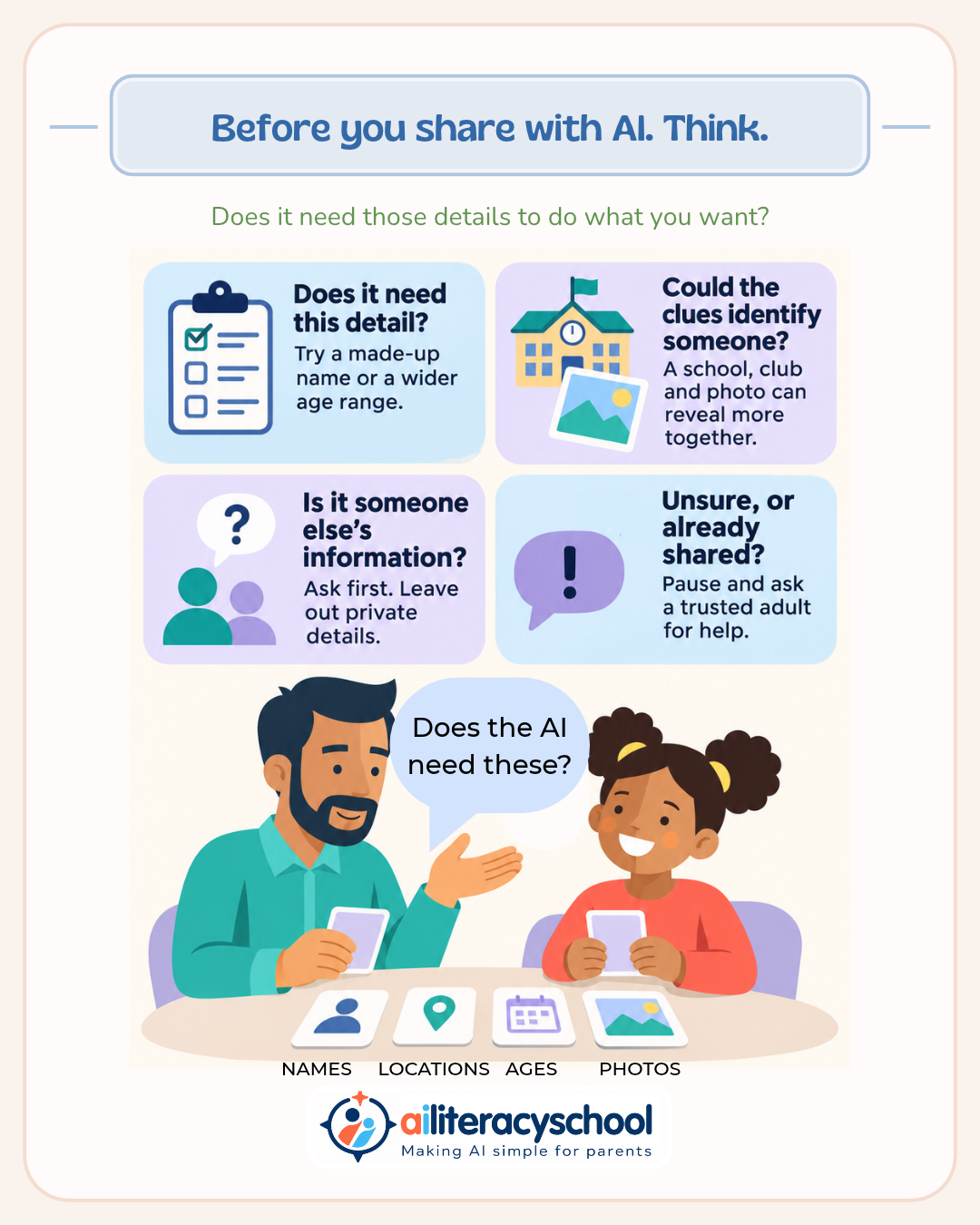
Keep the infographic somewhere useful as a reminder. Ask your child to choose which question would help them most: “Does it need this detail?” or “Could the clues identify someone?”
What if they have already shared something?
Make it easy to tell you. You could say:
“You can tell me if you share something by mistake. I will listen and help you work out what to do.”
Thank them for telling you, then find out what was shared and where. Help them stop sharing more and check the service's removal options. Avoid promising that pressing delete removes every copy. If a password was exposed, change it. Ask the school for help if another pupil's details are involved.
Afterwards, discuss what might help next time. Keep your response calm so they feel able to ask again.
Was this guide helpful?
Let us know whether this article helped you.
Share this guide with other parents
Know a parent who would find this guide helpful? Enter their email address and we'll send them the Parent Conversation Guide directly.