📑 In this guide
Start with our AI Confidence Quiz
AI is already part of your child’s learning. In just a couple of minutes, discover where your family stands and what to do next.
- ✓ Your family’s AI Confidence Score
- ✓ What you’re already doing well
- ✓ Simple, practical next steps
Microduck gives parents a way to explore robot learning through a free simulator, with resources to help them judge its potential as a shared family project.
A small, duck-shaped robot could make AI development easier to understand at home. Microduck offers an early glimpse of how adults and children might explore AI through something they can watch moving, test and eventually help develop.
Its colourful body and expressive beak will appeal to children. Parents should know from the start that it is a development platform recommended for ages 16 and over.
What is Microduck?
Microduck is a small robot from Pollen Robotics, designed for experimenting with AI that controls physical movement. Its open-source software lets developers examine and change how it works.
That makes it interesting for families who enjoy making things and working out why they behave as they do. Learning to develop a robot’s movements could become a substantial shared project for a parent and an older teenager.
Start with the free simulator
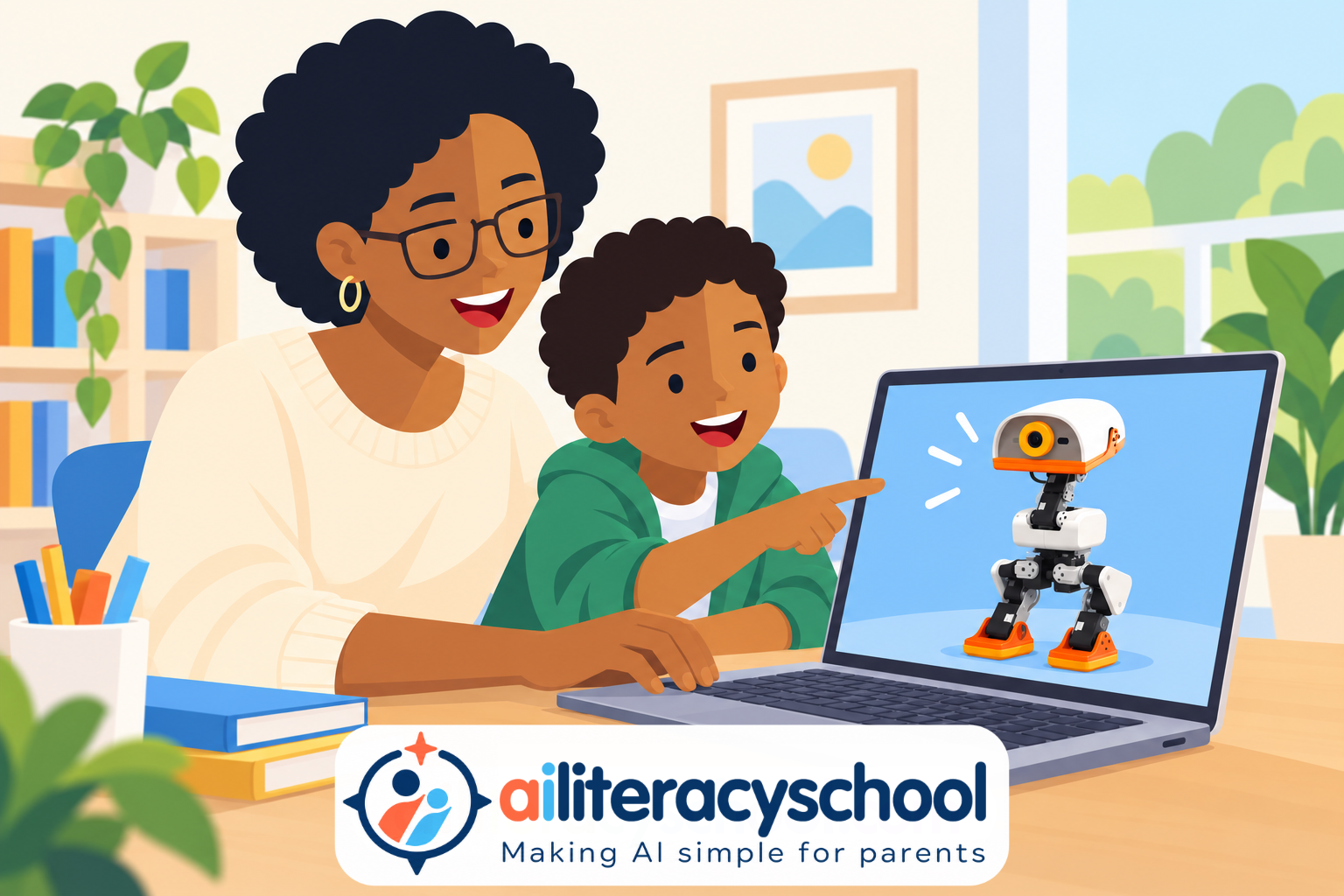
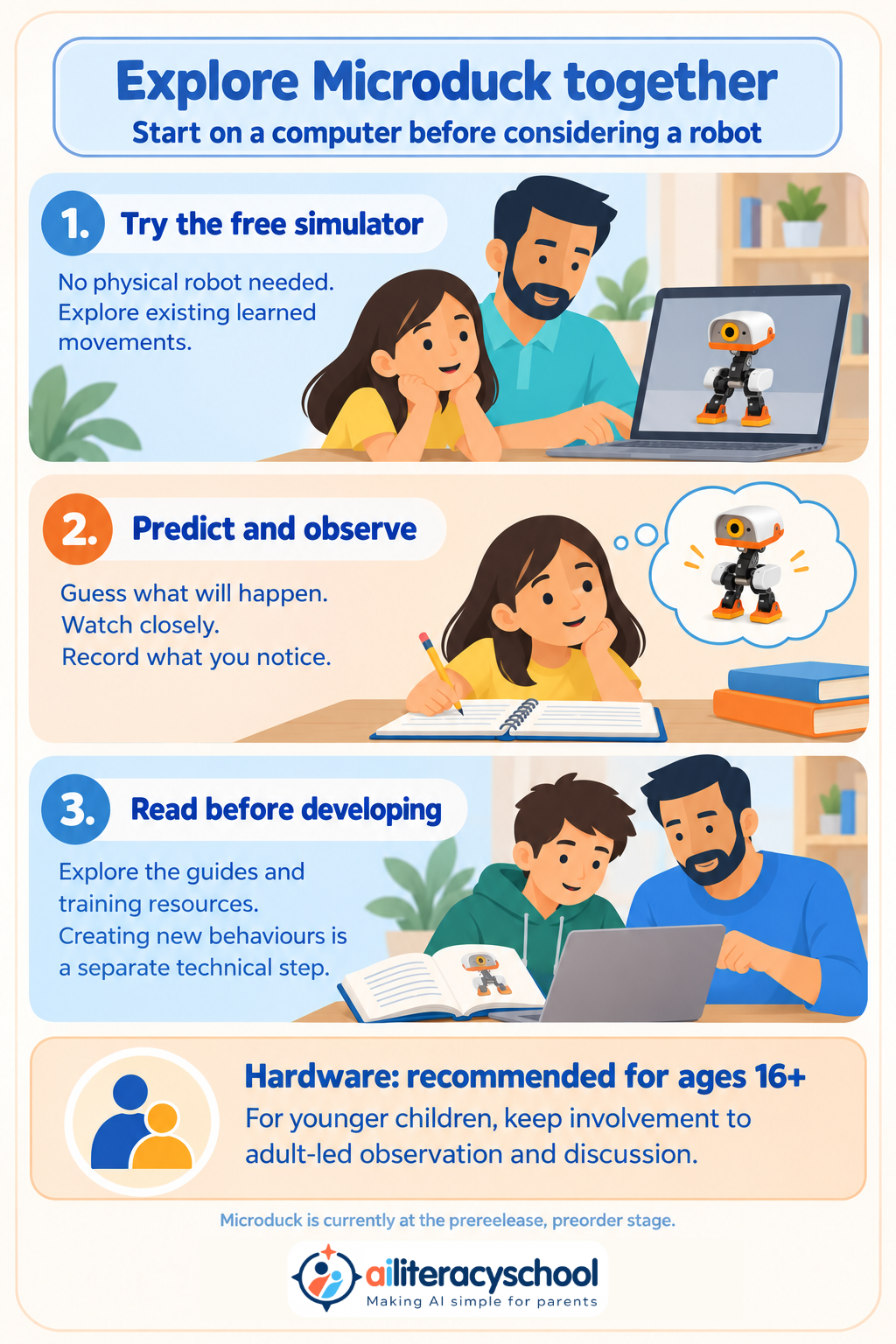
You can explore Microduck on a computer without owning the physical robot. The free browser simulator lets you try existing learned movements and get a feel for controlling a virtual version.
This gives parents a useful first step before considering a purchase. You can see whether the subject interests you and how comfortable you feel exploring it.
Trying these movements does not train a new AI model. Developing new behaviour is a separate, more technical activity, with additional software and computing requirements.
There is already a substantial collection of resources covering simulation, training and robot software, alongside community support. Some material assumes programming knowledge, so spend time reading it before committing to a larger project.
Three ways to explore it together
Investigate a movement. An adult could operate the simulator while a child predicts what will happen next. Discuss what the robot appears to do well and what is difficult to judge from watching.
Keep an experiment notebook. Record a prediction, what happened and what you would investigate next. This gives a shared project a purpose beyond making a robot move.
Plan a future development project. A parent and teenager aged 16+ could read the training resources, identify the skills they need and choose a small behaviour to investigate.
Keep the age guidance clear
Microduck is recommended for users aged 16+ and is not designed or tested as a children’s product. For younger children, keep involvement to adult-led observation, questions and project ideas. Supervision does not change the hardware’s intended age group.
Microduck remains at the prerelease, preorder stage. For now, exploring the simulator and learning materials is a practical way for parents to decide whether it deserves more time.
For help discussing the ideas, read What is AI?. Our Choosing AI Tools pathway can help you assess suitability before paying.
Was this guide helpful?
Let us know whether this article helped you.
Share this guide with other parents
Know a parent who would find this guide helpful? Enter their email address and we'll send them the Parent Conversation Guide directly.