📑 In this guide
Start with our AI Confidence Quiz
AI is already part of your child’s learning. In just a couple of minutes, discover where your family stands and what to do next.
- ✓ Your family’s AI Confidence Score
- ✓ What you’re already doing well
- ✓ Simple, practical next steps
AI tutors, homework helpers, maths apps and writing tools can all sound useful when the new school year begins. Many promise personalised support, quicker homework or help whenever your child gets stuck.
The harder question is whether the app will actually help your child learn.
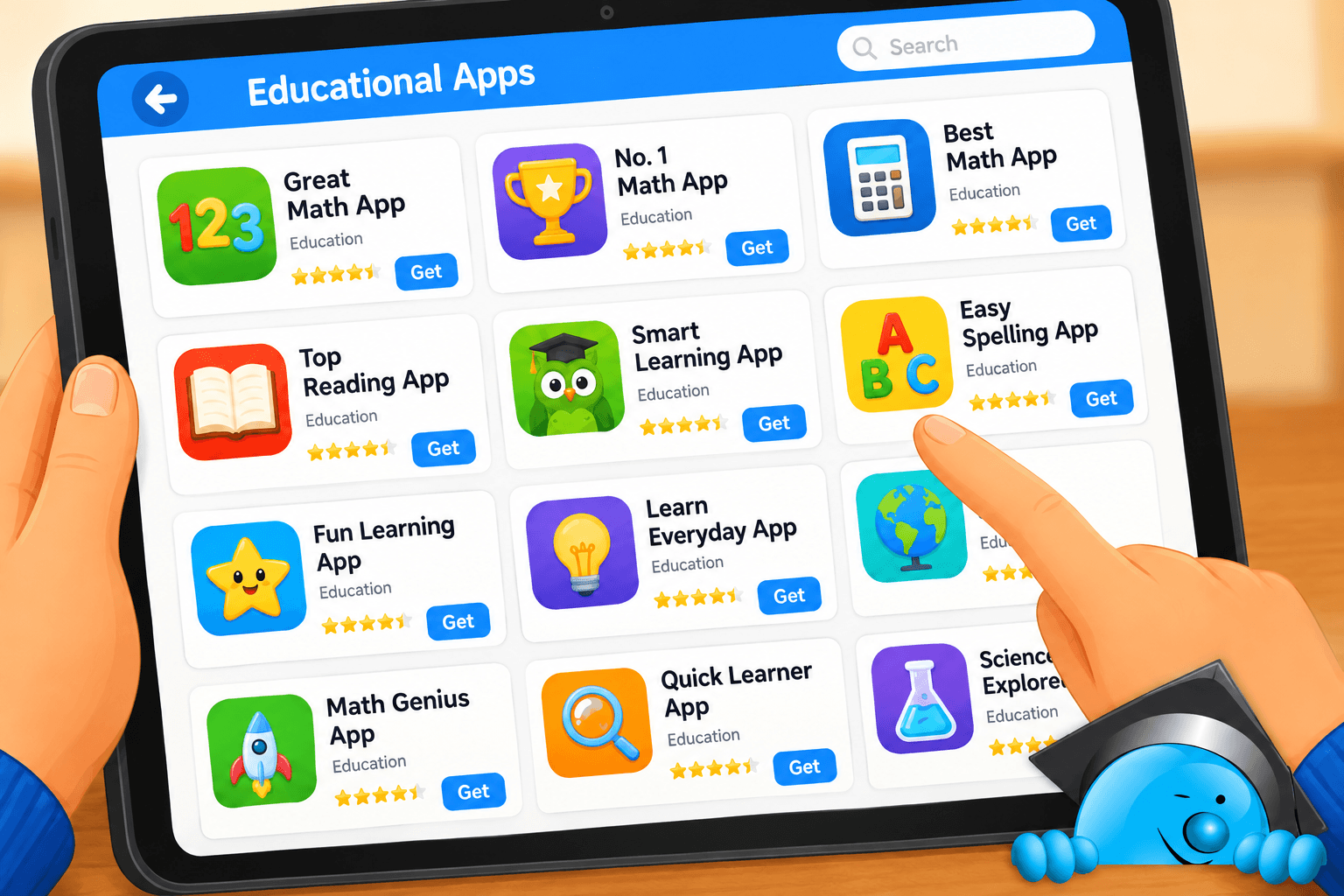
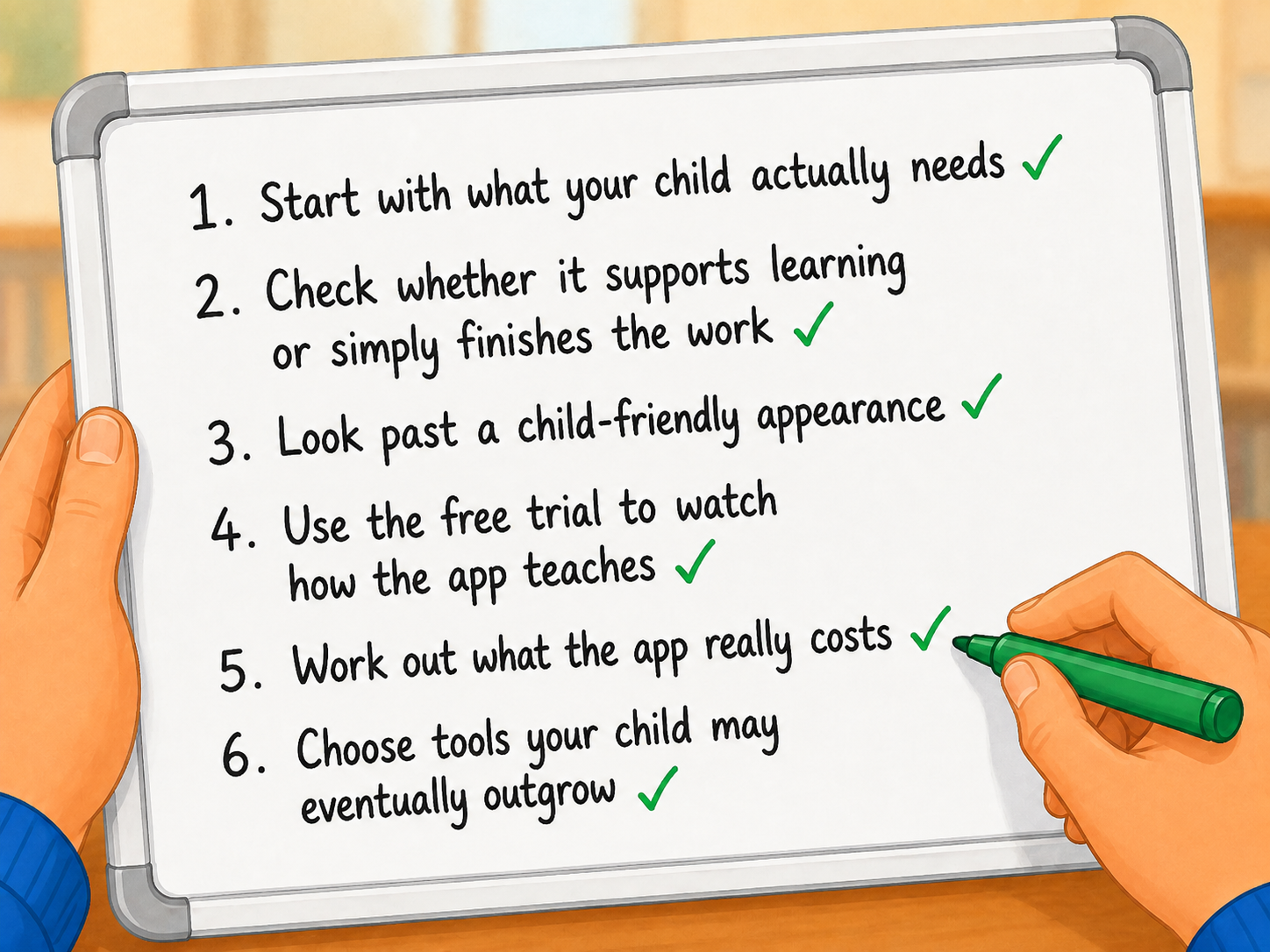
A polished answer or impressive AI feature can make an app look educational even when it is doing too much of the work. Before you download, subscribe or pay for an AI study tool, here are six things to check.
1. Start with what your child actually needs
It is easy to begin with the app.
Perhaps you have seen an advert for an AI maths tutor. Another parent has recommended a homework app. Your child has asked for a writing tool their friends use.
Start somewhere else: What are you trying to help your child with?
For example:
- Do they need more maths practice?
- Are they finding a particular reading skill difficult?
- Do they need help getting started with homework?
- Would another explanation help when they are stuck?
- Are you looking for a way to practise a skill between school lessons?
Once you know the goal, it becomes easier to judge the app.
An AI tool can have plenty of clever features and still be a poor fit for your child.
Try this: Write down the one thing you hope the app will help with. Use that as your starting point when comparing its features.
In the Choosing the Right AI App for Your Child pathway: You will learn how to make a quick first assessment of an app and decide whether it is worth investigating further.
2. Check whether it supports learning or simply finishes the work
Children are often given a clear task: answer the questions, complete the worksheet or write the paragraph.
It makes sense that a tool which helps them finish faster can look useful.
For learning, though, the process counts.
If an AI tool gives your child an answer immediately, rewrites their work or solves every difficult step, the finished result may look good while your child gets very little practice.
Ask what your child still has to do when using the app.
Are they still:
- Thinking about the problem?
- Practising the skill?
- Reading and understanding?
- Explaining their ideas?
- Making choices?
- Learning from mistakes?
The best level of help depends on the child, the task and the learning goal. A useful study tool should leave your child with enough to do themselves.
Try this: Before choosing an app, ask: Which part of this learning should my child still be doing?
In the pathway: You will learn how to separate useful support from AI help that removes too much of the thinking and practice.
3. Look past a child-friendly appearance
An app can use cartoons, bright colours and simple language without being designed for your child's age.
Before creating an account, check the age rules and take a quick look at what information the app collects.
Depending on the tool, this could include:
- Your child's learning activity
- Questions or messages they enter
- Voice recordings
- Images
- Account information
- Information about how they use the app
You should also check whether there are parent controls and whether you can delete the account and its data later.
You do not need to become an expert in privacy policies. You do need enough information to decide whether you are comfortable with what you are agreeing to.
Try this: Find the app's age requirement and privacy information before your child starts using it.
In the pathway: You will learn a practical way to examine age rules, privacy policies and data use, including how you can use a chatbot to help make long policies easier to understand.
4. Use the free trial to watch how the app teaches
A free trial gives you a chance to test more than whether your child enjoys the app.
Watch what happens when they get something wrong or do not know the answer.
Does the app give them time to try?
Does it offer a hint before revealing the answer?
Does it explain the process?
Does it check whether your child understood?
Does your child have to think about what to do next?
One simple test is to see what happens without the app.
After your child has used it, give them a similar problem or ask them to explain what they learned.
For example, you might ask them to:
- Solve a similar maths question
- Explain how they reached an answer
- Recall the main idea from something they read
- Use a new word themselves
- Explain what they changed in their writing
You are assessing the app here, rather than testing your child. You are looking for signs that the support has helped them build something they can use again.
Try this: During a free trial, watch the learning process as closely as the finished work.
In the pathway: You will learn a simple help-before-answer test for judging AI tutors, homework helpers and other learning apps.
5. Work out what the app really costs
The monthly price tells you only part of the cost.
An AI study tool may also require:
- Your supervision time
- More screen time
- Your child's attention
- Information about your child
- Time taken away from other activities
You also need to think about whether you are paying for something your child is actually benefiting from.
A £5 subscription that gets used for the wrong purpose can offer less value than a more expensive tool that helps with a clear learning need.
Think back to the reason you considered the app in the first place.
Has it helped?
Is your child learning something they can use without it?
Does it require more supervision than you expected?
Are you still comfortable with the privacy trade-off?
Those questions give you a much better picture of value than price alone.
Try this: Before paying after a free trial, write down what your child has gained from using the app.
In the pathway: You will learn how to judge value across learning, privacy, supervision, screen time and subscription cost, then choose whether to use, limit, pause or stop an app.
6. Choose tools your child may eventually outgrow
An educational app does not have to stay in your family forever to have been worth using.
Sometimes success means your child no longer needs it.
A times-tables app may have done its job once recall becomes secure. A reading tool may become unnecessary once a particular skill improves. An app used to close a short-term gap may no longer be useful once that gap has gone.
Keep asking whether the app is still serving the purpose you chose it for.
You can also watch for changes in how your child uses it.
Are they becoming more capable without the app? Or are they starting to rely on it for things they could previously do themselves?
Apps change too. New AI features, prices, privacy policies and permissions can all give you a reason to review your original decision.
Try this: Every so often, ask: If we stopped using this app today, what would my child still be able to do?
In the pathway: You will learn how to review an app over time, spot signs of dependence and recognise when an educational tool has completed its job.
You do not need a list of perfect AI apps
New AI learning tools will keep appearing. One app may suit one child and be completely wrong for another.
A more useful skill is knowing how to judge them.
Choosing the Right AI App for Your Child gives you a repeatable way to assess an AI learning app from the moment you first hear about it through to the decision to subscribe, continue, set limits or stop.
Across six short lessons, you will learn how to:
- Match an app to what your child needs
- Check age suitability and privacy
- Judge whether AI is supporting learning
- Make better use of free trials
- Decide whether a subscription is worth keeping
- Spot when an app is creating dependence
- Review your decision as your child and the app change
You will also get practical questions, checks and AI prompts you can return to whenever you consider another app.
Start your free trial and try the Choosing the Right AI App for Your Child pathway. Build a simple process you can use whenever the next AI study tool catches your attention.
Was this guide helpful?
Let us know whether this article helped you.
Share this guide with other parents
Know a parent who would find this guide helpful? Enter their email address and we'll send them the Parent Conversation Guide directly.