📑 In this guide
Start with our AI Confidence Quiz
AI is already part of your child’s learning. In just a couple of minutes, discover where your family stands and what to do next.
- ✓ Your family’s AI Confidence Score
- ✓ What you’re already doing well
- ✓ Simple, practical next steps
AI How-To: Turn a school newsletter into “What matters for us” in 60 seconds
A simple way to reduce mental load and avoid missed deadlines from your child’s school
How your prompting will improve in this lesson
This lesson is designed as a quick win for when you have a lengthy newsletter or other communication from a school. You’ll move from “I should read this newsletter properly later” to “I already know what the crucial details” — in moments.
Before this lesson (Novice stage)
Parents often:
• Skim newsletters quickly and assume they will remember key details
• Feel overwhelmed by long blocks of mixed information
• Miss small but important actions hidden in paragraphs
• Realise too late that something required payment, permission, or supplies
• Put paper newsletters aside intending to deal with them later
• Carry the mental load of tracking dates and obligations mentally
After this lesson (Skilled beginner using a well-structured prompt)
Parents will be able to:
• Quickly extract dates, actions, costs, and decisions that matter
• Turn long newsletters into short, usable summaries
• Feel confident nothing essential is missed
• Use AI safely without sharing personal identifiers
• Reduce mental load by converting information into clear next steps
• Decide what needs action now, later, or not at all
Why this matters
School newsletters are important, but they are rarely designed for busy family life.
They often combine dates, reminders, optional events, payments, policy updates, and requests for action in one place. Parents are expected to sort through it all while managing work, caregiving, and daily logistics.
AI can help you do the sorting
You do not need technical skill. You only need structure and judgement.
Used well, AI reduces cognitive load, letting you focus on decisions, not decoding information.
Try this: Start with a real parenting task
AI can help when you need to:
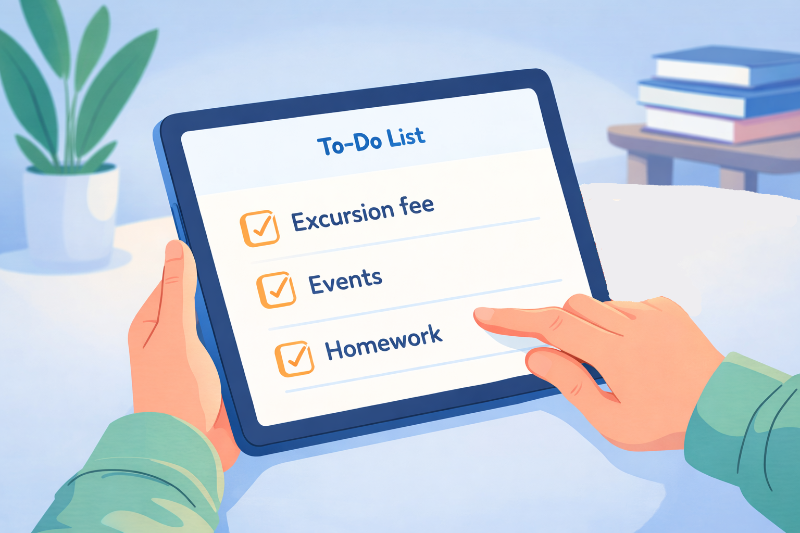
• Understand what actually requires action
• Spot deadlines or payments
• Clarify what applies to your family
• Turn information into a short checklist
A typical novice prompt
“Summarise this school newsletter.”
A well-structured version
Role: Act as a clear, practical assistant for busy parents.
Instruction: Extract only what requires action or attention.
Context: This is a general school newsletter. No personal details.
Output: A short list under headings: Dates, Actions Needed, Costs, Questions to Ask.
This small shift turns information into clarity.
Tip
Schools send newsletters in different formats. You can use AI with most of them.
- Email: Copy-and-paste the text directly after you prompt in ChatGPT or Gemini.
- PDF: Drag the PDF to ChatGPT or Gemini's chat window, and it will be able to read it
- Paper: Take a photograph with your phone and add it to the chat.
How AI can help. Practical examples
1. A long digital newsletter in your inbox
Novice prompt:
“Can you explain this newsletter?”
Well-structured prompt:
Role: Be a calm, organised assistant.
Instruction: Pull out anything that needs action, payment, or a decision.
Context: General school communication. My Child is in grade [grade]. Or [teacher’s class]
Output: A bullet list with deadlines clearly highlighted.
2. A paper newsletter photographed on your phone
Novice prompt:
“What does this say?”
Well-structured prompt:
Role: Act as a family planning helper.
Instruction: Identify dates, required actions, and optional events.
Context: Text comes from a photographed paper newsletter. No names included.
Output: A simple checklist I can add to my calendar or notes.
3. Unsure what applies to your family
Novice prompt:
“Do I need to do anything?”
Well-structured prompt:
Role: Be a practical filter for busy parents.
Instruction: Separate required actions from optional information.
Context: General school update. My Child is in grade [grade]. Or [teacher’s class]
Output: Two sections: “Must do” and “Good to know.”
4. Preparing questions before you forget
Novice prompt:
“What should I ask the school?”
Well-structured prompt:
Role: You are a parent/teacher mediator.
Instruction: Suggest reasonable clarification questions a parent might ask based on the information provided.
Context: Based only on the newsletter content.
Output: 3–5 short questions I could email if needed.
Optional: Make this a repeatable weekly habit
Once you’ve done this once or twice, you may want to make it even easier next time.
Step 1: Save a prompt you can reuse
The simplest option is to save one well-structured prompt in your notes app, email drafts, or somewhere easy to copy and paste.
Reusable prompt:
Role: Act as a clear, practical assistant for busy parents.
Instruction: Review the school newsletter text I provide and extract what matters for our family.
Context: This is general school communication. No personal identifiers.
Output:
• Dates and deadlines
• Actions required
• Costs or payments
• Questions I may want to ask the school
Keep it concise and practical.
Each week, paste the newsletter underneath and run it.
Step 2: Reuse the process with GPTs or Gems (advanced but optional)
If newsletters are a regular feature of your week, tools like GPTs (ChatGPT) or Gems (Gemini) allow you to save these preferences once.
This means the AI already knows:
• To focus on actions, dates, and costs
• To ignore general announcements unless action is needed
• To present results in the same clear format each time
• To keep language calm and practical
Each week, you paste in the newsletter or upload a photo — and receive the same “What matters for us” summary.
The thinking is done once. The benefit repeats.
Using Your Judgement
School newsletters are more than collections of dates and reminders. They help shape the school community, reflect its values and priorities, and give families a sense of what is happening beyond their own child’s day.
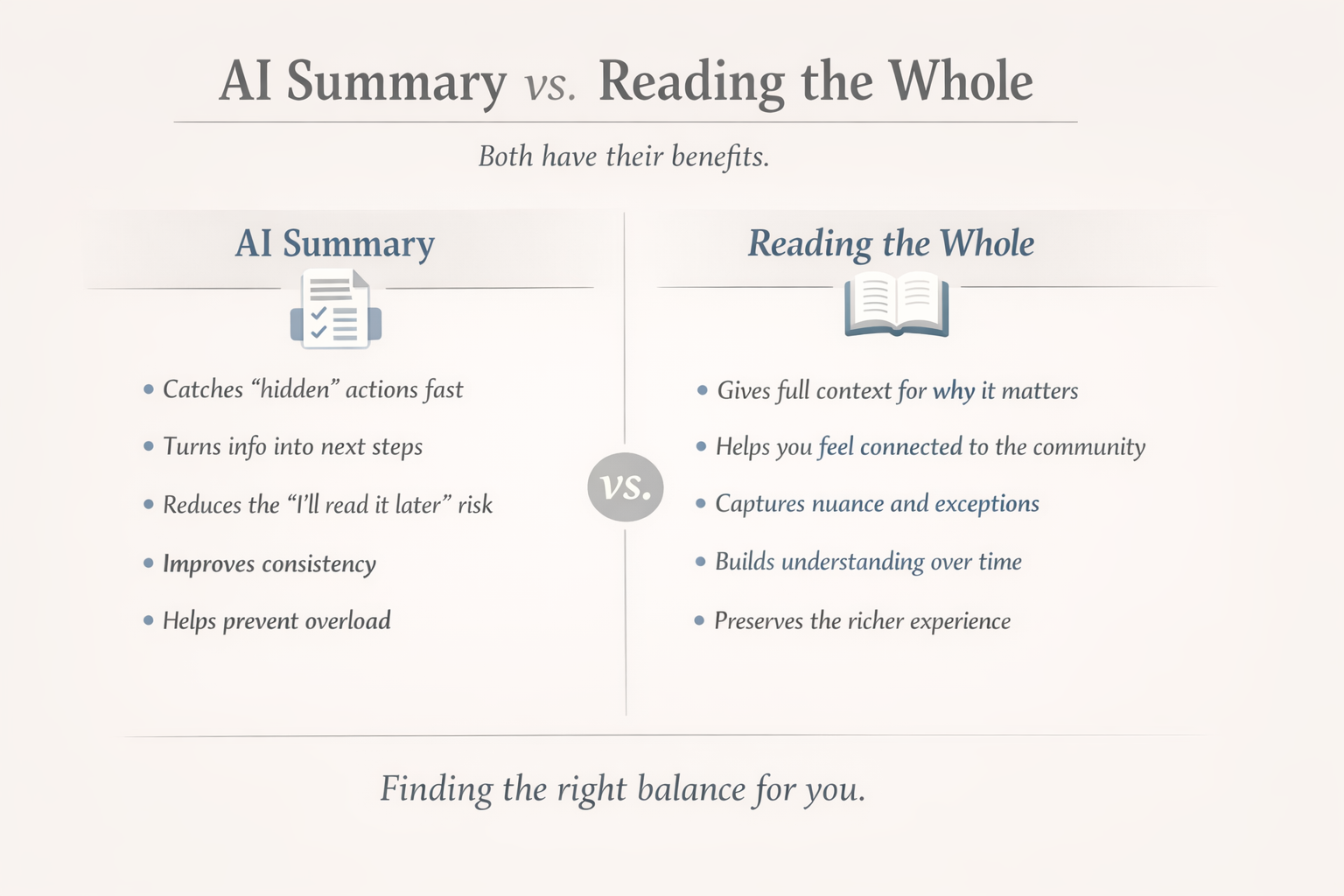
The approach in this AI How-To is designed to support you when time is tight. It helps you quickly extract actions, deadlines, and costs — and spot details you might otherwise miss when reading in a hurry.
However, we still recommend setting aside time to read the newsletter in full when you can.
AI can ensure you do not miss key dates or required actions. What it cannot provide is the broader picture: the tone of the community, the emphasis the school is placing on certain areas, or the small signals that help parents feel informed and connected.
Used together, these approaches work best.
AI handles the practical details quickly.
You bring attention, context, and judgement when reading the full message.
This balance helps you stay organised without losing sight of the bigger picture.
Was this guide helpful?
Let us know whether this article helped you.
Share this guide with other parents
Know a parent who would find this guide helpful? Enter their email address and we'll send them the Parent Conversation Guide directly.