📑 In this guide
Start with our AI Confidence Quiz
AI is already part of your child’s learning. In just a couple of minutes, discover where your family stands and what to do next.
- ✓ Your family’s AI Confidence Score
- ✓ What you’re already doing well
- ✓ Simple, practical next steps
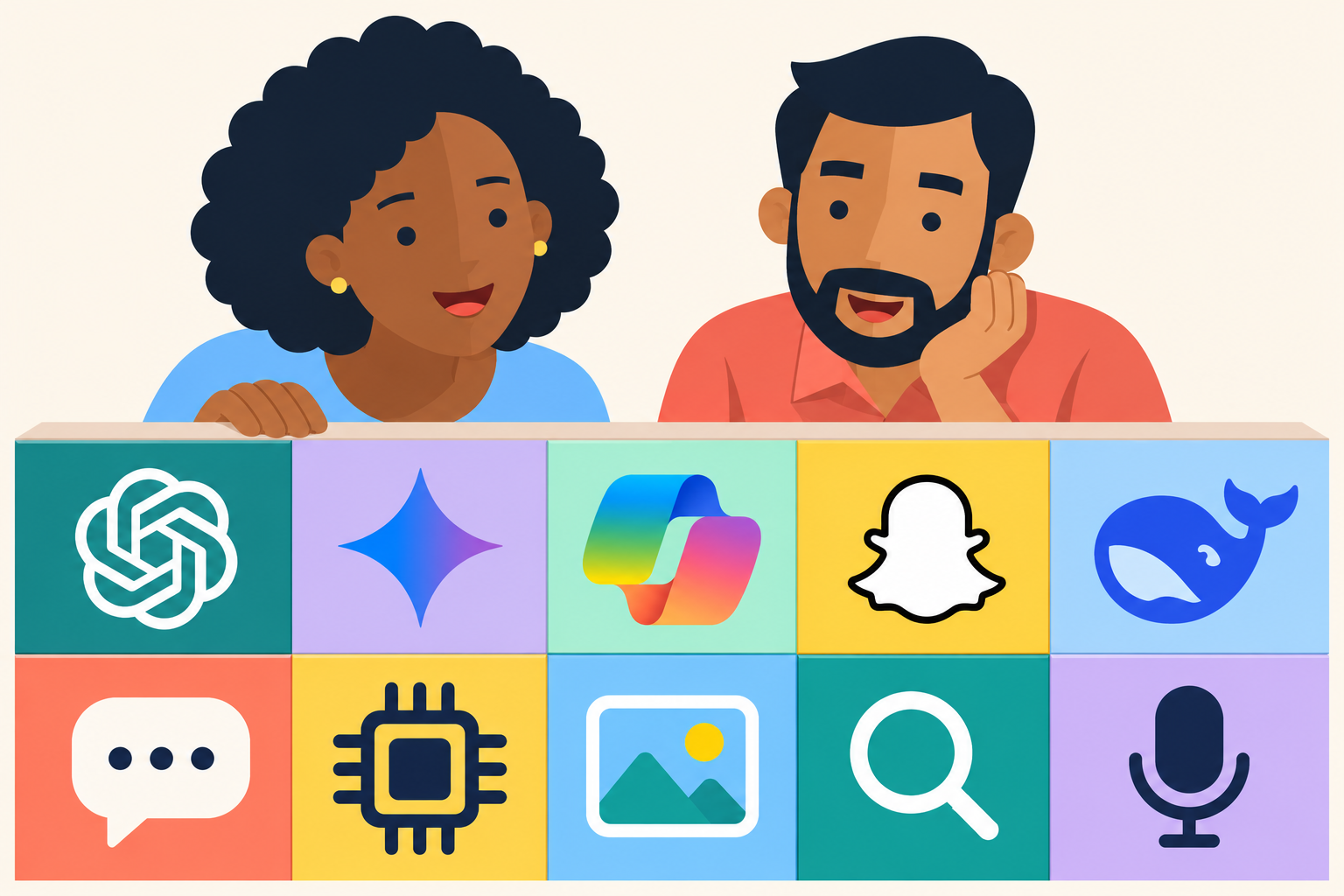
Your child might say, “I asked ChatGPT,” or “My friend showed me Gemini.” Those are AI brand names. Each one identifies a tool that uses artificial intelligence (AI).
Our AI Dictionary for Parents explains words like chatbot and prompt. It’s worth learning the brand names, too. Companies work to make those names familiar so you’ll think of their tools first. When you know what a tool does, you can follow what your child is telling you and ask, “What did you ask it to help with?”
This guide covers 10 AI brands you’re likely to hear about. For each one, you’ll find what it does, ways families can use it, risks to watch for, and the minimum age in the US.
What are the minimum ages for popular AI tools in the US?
These are the companies’ age rules for personal use in the United States. State rules can set a higher age for social media accounts. Use the table to check whether your child can sign up, then decide whether the tool suits them. Age rules checked November 20, 2026.
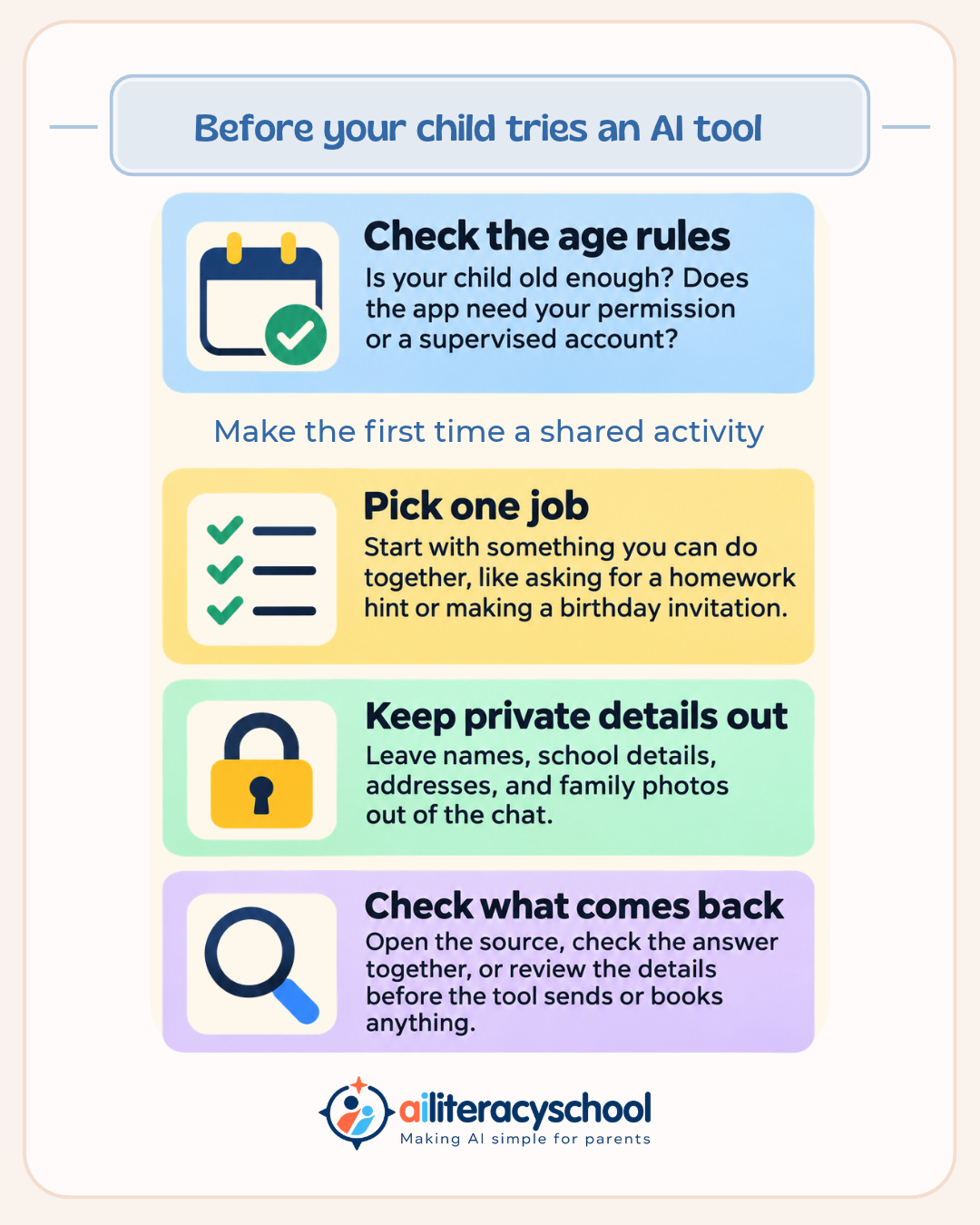
Note: Most AI tools do not allow children under 13 to use them. If using one of these with a younger child, it should always be on your account, with you leading and directly supervising the activity.
| AI product | Main role | Minimum age |
|---|---|---|
| ChatGPT | General AI assistant | 13+ with parent or guardian permission under 18 |
| Google Gemini | General AI assistant | 13+ for a regular account. Children under 13 can use eligible supervised accounts if a parent turns on access in Family Link. |
| Microsoft Copilot | General AI assistant | 13+ for personal Copilot. Some features are limited for users under 18. |
| Muse | Personal Assistant. Plans and carries out tasks, like shopping or making reservations. | 18+ |
| Claude | General AI assistant | 18+ |
| Grok | General AI assistant | 13+ for standalone Grok. For ages 13–17, a parent or guardian must give permission and accept the terms. |
| DeepSeek | General AI assistant | DeepSeek’s terms give no specific US minimum. A legal guardian must give permission for anyone under 18. |
| Perplexity | Searches the web and answers with source links. | 13+ if a parent or guardian accepts the terms for a minor |
| Snapchat My AI | Answers questions and suggests ideas inside Snapchat. | 13+ under Snapchat’s US terms. State rules may set a higher age. |
| Canva AI | Creates and edits designs, images, and text | 13+ for personal use. Under 13, children can use eligible Canva Education features with teacher supervision and permission from a parent or school. |
What each AI product does and what to watch for
1. ChatGPT
ChatGPT is OpenAI’s chatbot. You can type or talk to it to get help with a draft, a plan or a tricky idea. In Study Mode, it can give hints and ask you questions.
At home. Ask it for five practice questions on fractions. Let your child explain how they got each answer, then check the examples together.
Watch for. ChatGPT can make up a fact and sound sure of itself. That’s called an AI hallucination. Check the answers before using a quiz it made.
2. Google Gemini
Gemini is Google’s AI assistant. You can ask it a question about a photo or get help with a piece of writing. In the US, parents can turn on Gemini for a child under 13 through Family Link if the child’s supervised account has access. Some features have their own age limits.
At home. Take a photo of the craft supplies on the table and ask for rainy-day ideas using what you already have.
Watch for. A photo can show a name badge or an address in the background. Check the whole picture before you upload it. Google also says its filters can miss unsuitable replies.
3. Microsoft Copilot
Microsoft Copilot is an AI assistant you may come across in Windows or Microsoft 365. It can answer questions and help write or shorten text. Age rules can vary across personal, school and work accounts.
At home. Turn a school field trip notice into a list of what to pack and when to be at school. Use a copy that leaves out student information.
Watch for. A short summary can drop a key detail, such as when the bus leaves. Use the school’s own notice to check the time and any changes.
4. Muse
Muse is Meta’s personal AI agent. It can open websites, fill out forms, and help make reservations. You can use it in the Muse app or through WhatsApp.
At home. An adult could ask Muse to look for a table for four on Saturday and bring back a time to approve.
Watch for. An app that can act for you can also pick the wrong date or place. Check the details before approving a reservation or purchase. Review what Muse can see before connecting your email.
5. Claude
Claude is Anthropic’s AI assistant. It can read files you give it, pull out key points and help you edit a draft. You have to be 18 or older to use a personal Claude account.
At home. Give Claude the public brochure for a summer day camp. Ask it to pull out the dates, fees, and packing list.
Watch for. Keep your child’s registration form and report cards private. Check any fees or dates Claude gives you against the brochure.
6. Grok
Grok is an AI assistant you may see on X, the site once called Twitter. It also has its own app and website. It can answer questions, draw on posts from X and create images. The 13+ age rule in the table is for standalone Grok. X has its own rules.
At home. A parent could ask Grok to explain a headline someone has shared, then read the original story to check the answer.
Watch for. Posts can repeat rumors as facts. Grok has also been used on X to make sexual deepfakes of real people. These are fake images made to look real. California’s attorney general opened an investigation into the use of Grok to make and spread these images.
7. DeepSeek
DeepSeek Chat is an AI tool from a company also called DeepSeek. It can answer questions, write drafts, and break a problem into steps. DeepSeek says the tool is mainly for adults. Anyone under 18 needs to read the terms with a legal guardian and get their permission.
At home. Ask it to explain how to figure out the cost per person for a picnic. Check the math together with a calculator.
Watch for. DeepSeek says it collects what you enter and stores personal data in China. Use sample prices for the picnic example and keep private details out of the chat.
8. Perplexity
Perplexity is an AI search tool. It looks online, writes a short answer and shows links to the pages it used.
At home. Ask where monarch butterflies go in winter. Open a page from a wildlife organization and read it together.
Watch for. A link can point to a weak source, and the answer can get the source’s meaning wrong. Open the page and check that it says what Perplexity claims.
9. Snapchat My AI
My AI is the chatbot inside Snapchat. It can feel like another chat in the app. It can answer simple questions and suggest things to do.
At home. If your teen already uses Snapchat, they could ask for games to play at a family get-together.
Watch for. Snap saves what users share with My AI until they delete it. Remind your teen to keep secrets and private details out of the chat. You can stop My AI from replying to your teen in Snapchat’s Family Center.
10. Canva AI
Canva AI uses generative AI to make designs from a short description. You can ask it to draft a poster, make an image or change a design you’ve already started. The AI features you can use depend on your Canva plan.
At home. Ask Canva AI to make a dinosaur birthday invitation. Let your child pick the colors and decide which dinosaur goes on it.
Watch for. Canva may use what you upload to improve its AI, depending on your privacy settings. Make the invite with a space for the party details. Send the address and your phone number to guests in a private message.
Share this guide with other parents
Know a parent who would find this guide helpful? Enter their email address and we'll send them the Parent Conversation Guide directly.