📑 In this guide
Start with our AI Confidence Quiz
AI is already part of your child’s learning. In just a couple of minutes, discover where your family stands and what to do next.
- ✓ Your family’s AI Confidence Score
- ✓ What you’re already doing well
- ✓ Simple, practical next steps
Who is this for?
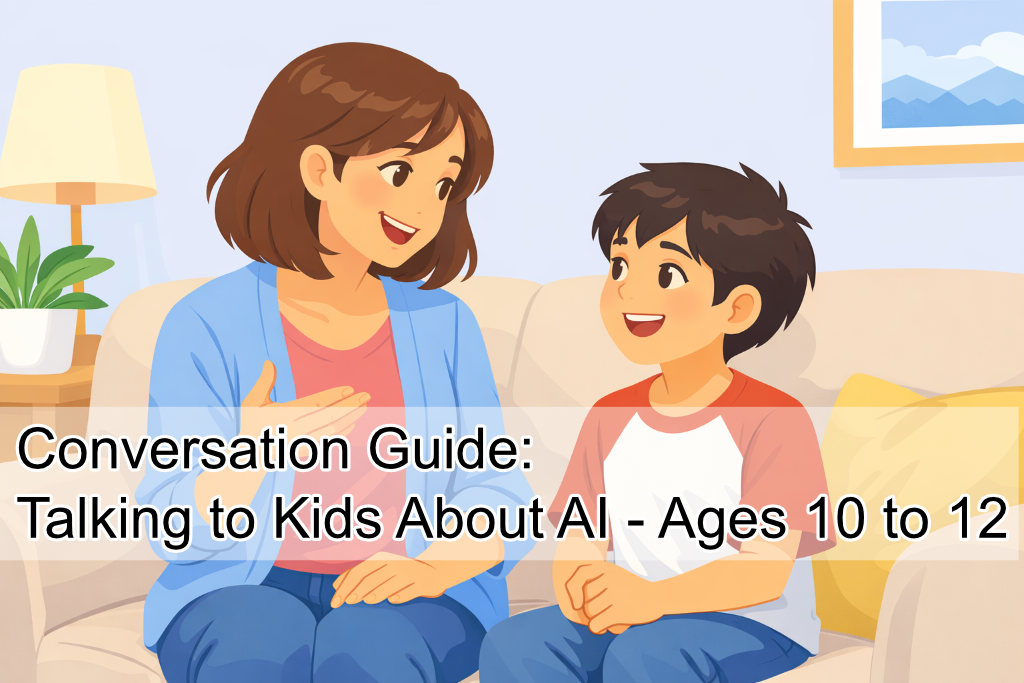
This guide is for parents to use with kids aged 10–12 in a 5-minute, low-pressure chat. It helps you gently check what they think AI is, where they’ve seen or used it (including unsupervised use), and how they feel.

EASIE - Your friendly AI Guide
Beginning
| Quick prep (think ahead) | Easy ways to start (choose one) | Gentle check-in (choose one) |
|
|
|
Getting going
Quiet assessment (what they know, what they’ve tried)
Where they’ve seen it
- “Where do you hear most about or see AI”
- “Have you heard of AI companion apps that feel like chatting with a friend? What do you think those are for?”
How they think it works
- “What do you think AI is doing when it writes an answer?”
- “Do you think it ‘knows’ things like we do or is it working differently”
What they use it for (without accusation)
- “If you were going to use an AI tool, what would you use it for?”
- “What do you think is a fair way to use it for school?”
Safety Nudges (mention often)
- “Don’t share personal info. Assume chats can be saved.”
- “If a tool asks for private details or gets intense, pause and tell a grown-up.”
- “Follow age rules and use general-purpose chatbots with a parent.”
Common Responses
Talking points (If they say X, try Y)
If they say: “It’s basically like Google.”
Try: “It can feel that way. One difference is it can also make things up or phrase guesses confidently. So it’s a helper, not the final judge.”
If they say: “It’s always right because it’s smart.”
Try: “It can be smart and still mistaken. What do you do when you’re unsure something online is true?”
If they say: “I used it for homework.”
Try: “What part did you use it for: understanding, ideas, or answers?”
Try: “How do you think your teacher would want it used”
If they say: “I used it alone.”
Try: “Thank you for being honest. What tool was it, and what did it ask you for?”
Then: “Lets talk about rules for using AI so we can decide together how to use it in future.”
Optional 2-minute curiosity activity
Teach me
“Explain AI to me like I’m new. What is it, and what isn’t it?”
AI-in-the-wild
Where has AI shown up in your week, even in small ways? Was it good, bad, or neutral?
Good at / bad at
Sort 4 tasks into “good at,” “maybe,” “not good at,” “depends.” Eg: summarizing, knowing what your friend feels, giving medical advice.
What next?
After reflecting on your knowledge with the AI Literacy School AI Readiness Checker and started the conversation with your child, you’re ready to grow your family AI Literacy.
How?
AI Literacy School’s Learning Pathways and Guides are designed by AI and Education experts to help you support your children as you all progress your AI Literacy.
Why?
To ensure you are all safe and in a great place to benefit from the growth of this exciting new technology.
If you also have younger children, check this conversation guide: AI Conversation: Discover your kids' existing AI knowledge (Ages 7 to 9)
Was this guide helpful?
Let us know whether this article helped you.
Share this guide with other parents
Know a parent who would find this guide helpful? Enter their email address and we'll send them the Parent Conversation Guide directly.