📑 In this guide
Start with our AI Confidence Quiz
AI is already part of your child’s learning. In just a couple of minutes, discover where your family stands and what to do next.
- ✓ Your family’s AI Confidence Score
- ✓ What you’re already doing well
- ✓ Simple, practical next steps
Your child needs the judgment to deal with AI when it appears in schoolwork, apps, search tools and everyday life. This guide will help you get your child AI-ready for middle school. Don’t wait until they’re in middle school, get them ready in advance.
A child is ready for AI when they understand that AI can be wrong, know what information to keep private, check important answers, protect their own thinking and know when to ask an adult for help.
These are practical AI skills for kids. They can be taught through ordinary conversations and simple activities at home. Your child does not need their own chatbot account to learn them.
For elementary school children, AI activities should be parent-led. If you choose to use a general-purpose chatbot together, check the provider's age requirements, use the adult's account and stay involved throughout the activity.
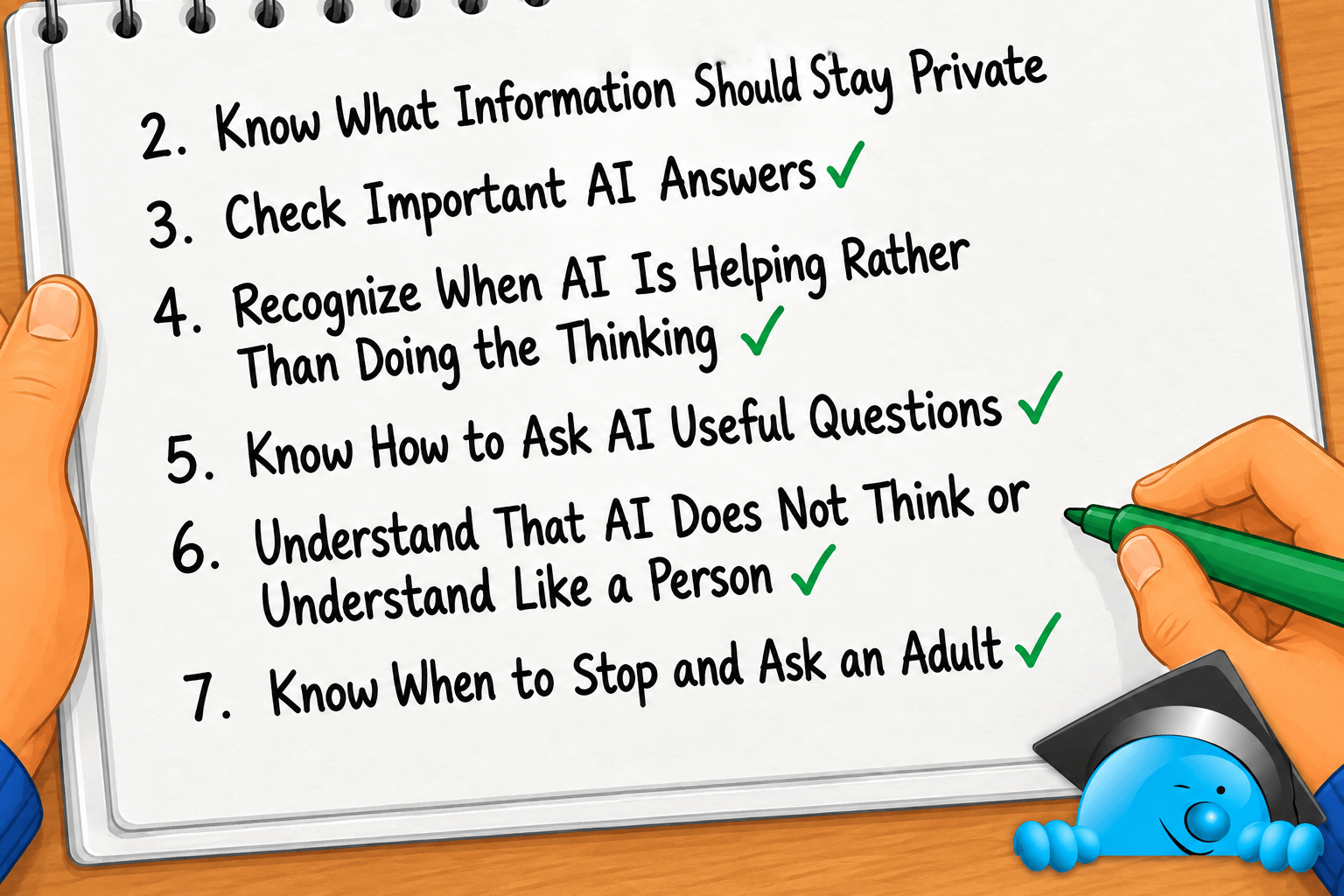
So how can you tell which skills your child already has? These seven areas give you a useful place to start.
1. They understand that AI can sound right and still be wrong
AI can give a clear, detailed answer that contains a mistake. It can get a fact wrong, mix information together or invent something that sounds believable.
Children can easily judge an answer by how it sounds. A long, confident explanation may appear more trustworthy than a hesitant one, even when the information is wrong.
Your child needs to develop a small pause between hearing an AI answer and believing it.
Can your child do this?
Ask yourself:
Can my child hear an AI answer and still ask, "How do I know that's true?"
They do not need to question every harmless AI response. They should understand that an answer may need checking.
Try it together
Tell your child:
"An AI told me that an octopus has six hearts. How could we find out whether that is true?"
See what they suggest. They might want to look in a book, search a trusted website or ask someone who knows about animals.
Then check the claim together.
The useful part of the activity comes before you find the answer: your child has learned that something sounding convincing is a reason to investigate, rather than proof.
For a short activity built around this idea, see Talking to Children About AI: AI Mistakes and Hallucinations.
2. They know which information should stay private
Chatbots can make sharing information feel casual.
A child may understand that they should never give a stranger their address, yet feel differently when a friendly-looking chatbot asks about them.
Teach a simple rule:
AI can usually help without knowing who you are.
Children should be careful about sharing:
- Full names and other identifying details.
- School names or information that identifies their school.
- Home addresses and regular locations.
- Phone numbers and email addresses.
- Passwords and login details.
- Personal photos unless a parent has checked that sharing them is appropriate.
- Private information about themselves, friends or family.
Several small details can also reveal more than a child realizes when they are combined.
Use the "Does it need to know?" test
Give your child two pretend prompts.
Prompt 1:
"I'm 10 and I need help understanding fractions."
Prompt 2:
"I'm Sam Jones, I go to Oak Street Elementary and this is the math homework my teacher gave me today."
Ask:
"Which information does the AI need to help?"
The first prompt gives useful context without identifying the child. The second includes information that adds little to the task.
You can turn this into a quick game. Give your child different pieces of information and ask whether they would keep them, remove them or make them less specific.
Parents who want to explore this further can read AI Privacy Risks for Children: What Parents and Schools Need to Know.
3. They know what to do when an AI answer needs checking
Knowing that AI makes mistakes is useful. Your child also needs a plan for the occasions when getting the answer right is important.
A made-up dragon name does not need fact-checking. A fact for a school project does.
Children can learn several simple ways to check an AI answer:
- Compare it with a trusted source, such as a textbook or suitable reference website.
- Ask where the information came from and look for the original source where possible.
- Check with a parent, teacher or another trusted adult.
- Ask whether the answer fits with things they already know.
- Try the method themselves when AI has explained how to solve something.
The consequences should guide how much checking is needed. Health, safety and other important decisions should involve an appropriate adult.
Try a two-source challenge
Choose a subject your child enjoys. It might be sharks, space, soccer or Ancient Egypt.
As the adult, ask an AI for five facts about the subject. Choose one claim with your child and check it somewhere else.
Then ask:
"Did both sources say the same thing?"
"Which source tells us where the information came from?"
"Would we want another source before using this in schoolwork?"
Checking becomes easier when children have practiced it before they need to do it themselves.
4. They can tell when AI is helping them learn and when it is doing the thinking
AI can make schoolwork easier in very different ways.
Imagine your child is stuck on a math problem.
They could ask:
"Give me the answer to question 4."
That gets the task finished, but it removes the chance to work through the problem.
Now consider:
"Don't give me the answer. Give me one hint about what I should try first."
The child still has work to do. AI has helped them move forward without solving the problem for them.
The same idea applies to writing.
AI could write a paragraph for a book report. A better use would be asking it for questions that help the child decide what they want to say.
Give your child one question to remember
Before asking AI for schoolwork help, teach them to ask:
"Will this help me think, or will it do the thinking for me?"
AI may support learning when it:
- Explains a difficult idea in another way.
- Provides a hint after the child has tried.
- Asks questions that help the child work something out.
- Creates extra practice.
- Helps the child check their understanding.
Watch more carefully when AI:
- Writes an answer the child is expected to produce.
- Completes a worksheet for them.
- Solves a problem before they have tried it.
- Produces work the child cannot explain afterward.
There is another useful check you can make at home.
Take the AI away.
Ask your child to explain the idea, answer a similar question or show you how they reached their answer. You are checking whether the help left some learning behind.
AILS explores this problem in more detail in The AI Shortcut Dilemma: Helping vs. Learning.
You can also see practical examples in 5 Ways AI Can Help Parents With Homework.
5. They can explain what kind of help they want
Children can get much better support from AI when they can describe the problem clearly.
They do not need a lesson in technical prompt writing. Start with four simple pieces of information:
- What am I trying to do?
- What do I already understand?
- Where am I stuck?
- What sort of help would be useful?
Compare these requests.
Weak request:
"Help me with fractions."
More useful request:
"I understand what a half and a quarter are, but I don't understand why 2/4 is the same as 1/2. Explain it using a pizza example, then ask me one question to see if I understand."
The second version tells AI where the difficulty is and asks for a form of help that supports learning.
Practice the skill without giving your child an AI account
Choose a problem together and ask:
"If I were going to ask an AI for help with this, what would I need to tell it?"
Let your child help you build the request.
If you decide to try it, enter the prompt through your own account and look at the answer before using it with your child.
This also teaches an important lesson about AI: the first response is something you can question, change or improve.
Parents can develop the same skill with Crafting Better Prompts: The Parent's Guide.
6. They understand that AI does not think or understand like a person
A chatbot can sound thoughtful. It can tell jokes, apologize, offer encouragement and write in a warm tone.
Children need to understand where the human resemblance ends.
A simple explanation is:
"AI learns patterns from information and uses those patterns to produce a response. It can make language that sounds human without thinking or feeling the words like a person does."
This helps children judge AI responses more carefully.
Imagine an AI tells your child:
"I think you made the right choice."
It sounds like personal advice. The AI does not know your child in the way a parent, friend or teacher does. It has not lived through the situation and does not take responsibility for what happens next.
This becomes especially useful to understand when a chatbot is designed to feel friendly or companion-like.
Talk about the difference
Ask your child:
"What can an AI say that sounds like something a person would say?"
Then talk about things people bring to a conversation that AI does not: knowledge of your child's life, shared experiences, responsibility for decisions and real human relationships.
You do not need to make the technology sound mysterious or frightening. Your child simply needs to know that human-sounding words do not turn software into a person.
AILS looks more closely at these relationships in A Parent’s Guide to AI Companions such as Character.AI.
7. They know when to stop and ask an adult
A child with good AI judgment will still run into situations they cannot handle alone.
They need to know when to stop.
Teach your child to involve a trusted adult when:
- Something feels upsetting, frightening, uncomfortable or strange.
- An AI asks for private information.
- An answer concerns health, safety or another important decision.
- AI says something that conflicts with what they have learned from a parent, teacher or another trusted source.
- They do not know whether AI is allowed for a piece of schoolwork.
- They find information they do not understand.
- They have already shared something they should not have.
That last situation deserves its own family rule.
Children sometimes hide online problems because they know they have broken a rule and expect to be punished.
Give them a clear route back to you:
"If something goes wrong with AI, show me. We can deal with the problem first."
You can still discuss broken rules afterward. Your child first needs to know that asking for help remains available when they have made a mistake.
Asking an adult shows good judgment. Your child has recognized that the situation needs knowledge or responsibility they do not yet have.
How many of these AI skills does your child already have?
There is no need to score your child out of seven.
They may already use some of these skills in other parts of their digital life. A child who questions a surprising video, protects a password or asks you when something online feels strange already has habits they can apply to AI.
Look back through the seven areas and identify:
- The skills your child already shows.
- One or two skills that need more practice.
- Anything you want to understand better before discussing it with them.
Then pick one small activity.
You could spend five minutes talking about why AI makes mistakes. During homework, you could ask whether AI is helping with the learning or completing the task.
Preparing children for AI does not require rushing them into using it. These conversations help them develop judgment before they have more freedom to use AI tools.
Ready to help your child build these skills?
Knowing the skills gives you a starting point. Children build them through repeated conversations, examples and practice.
AI Literacy School helps you turn that knowledge into something you can work on together.
The AI and Safety Pathway helps you teach your child about AI risks, privacy, misleading answers, unsafe situations and the boundaries they need around AI.
The AI and Learning Pathway focuses on schoolwork: how AI can support understanding, where shortcuts get in the way and how to protect your child's thinking and independence.
Your 3-day free trial includes access to the wider AI Literacy School offering, so you can explore the pathways that fit your family rather than choosing one area in isolation. It includes learning pathways, practical family activities, parent guides and AI literacy tools.
Start with one skill your child needs now. Build from there as their independence with AI grows.
Was this guide helpful?
Let us know whether this article helped you.
Share this guide with other parents
Know a parent who would find this guide helpful? Enter their email address and we'll send them the Parent Conversation Guide directly.